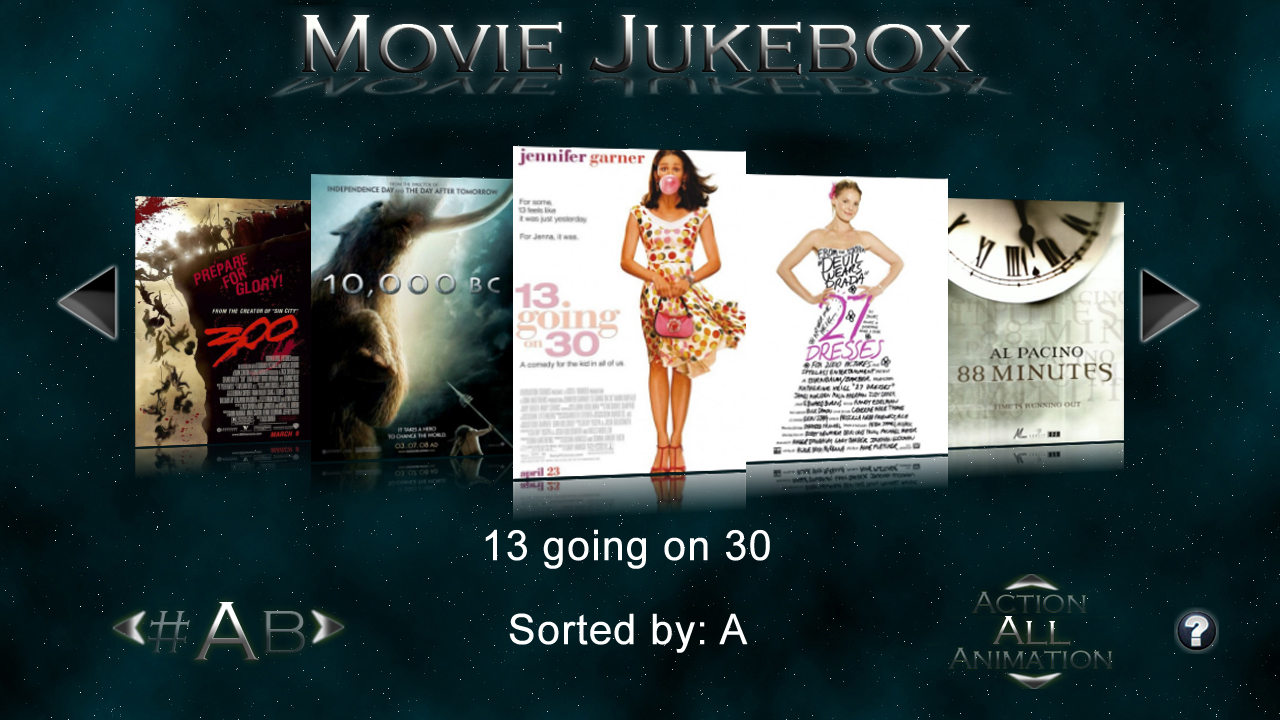



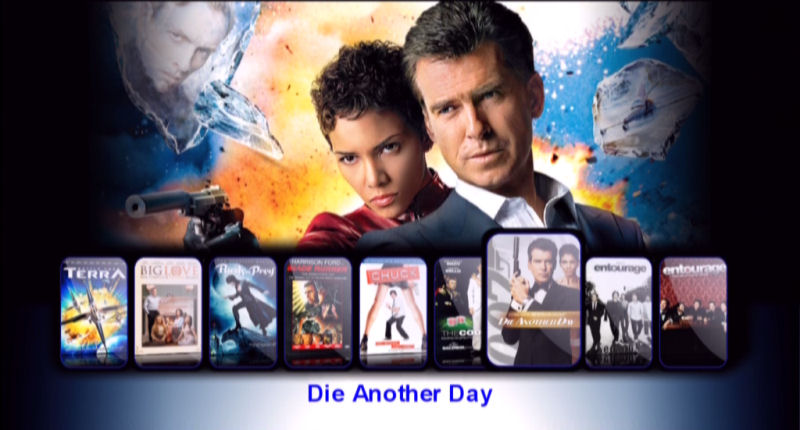




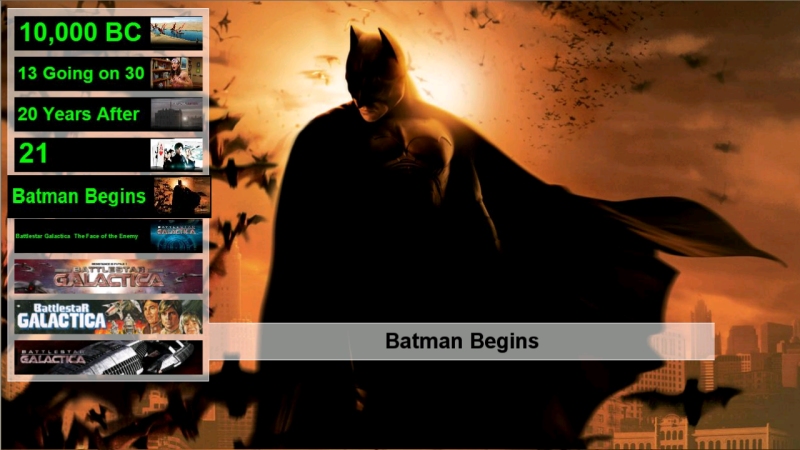
All New For The Fusion XS Only The NEW Wall Skins

Curve
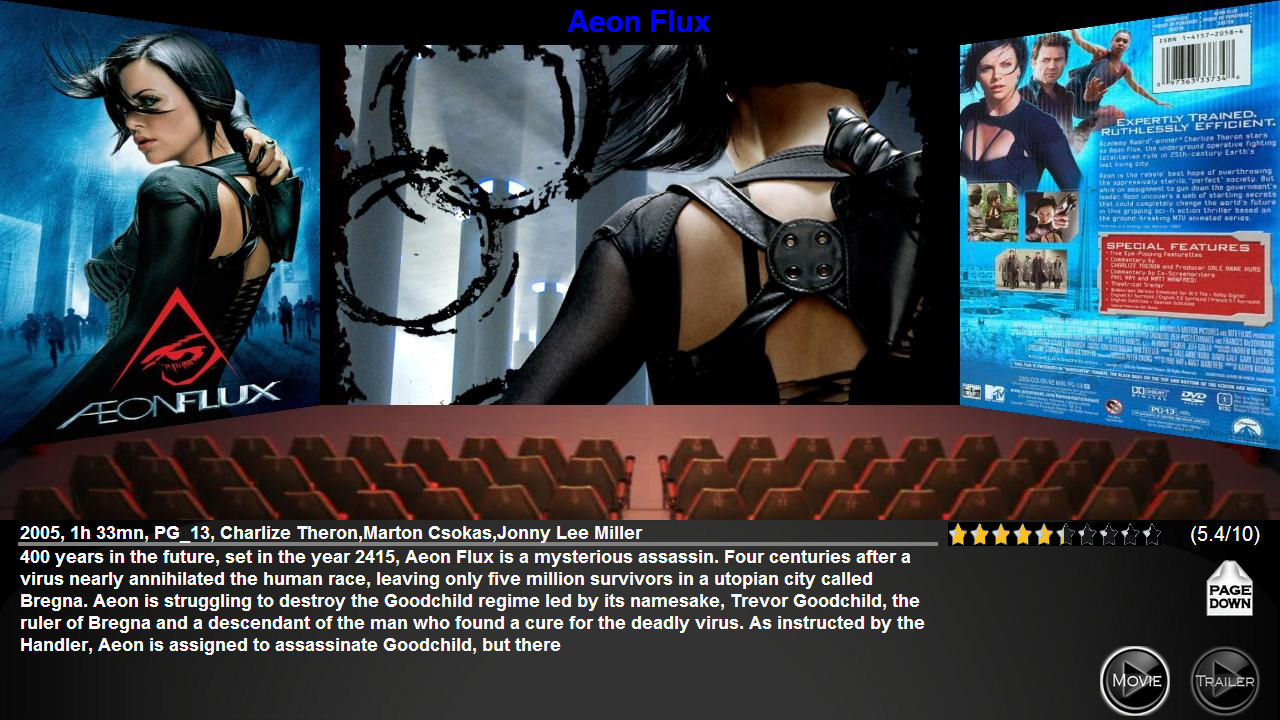
Curve Wall Detailed Page
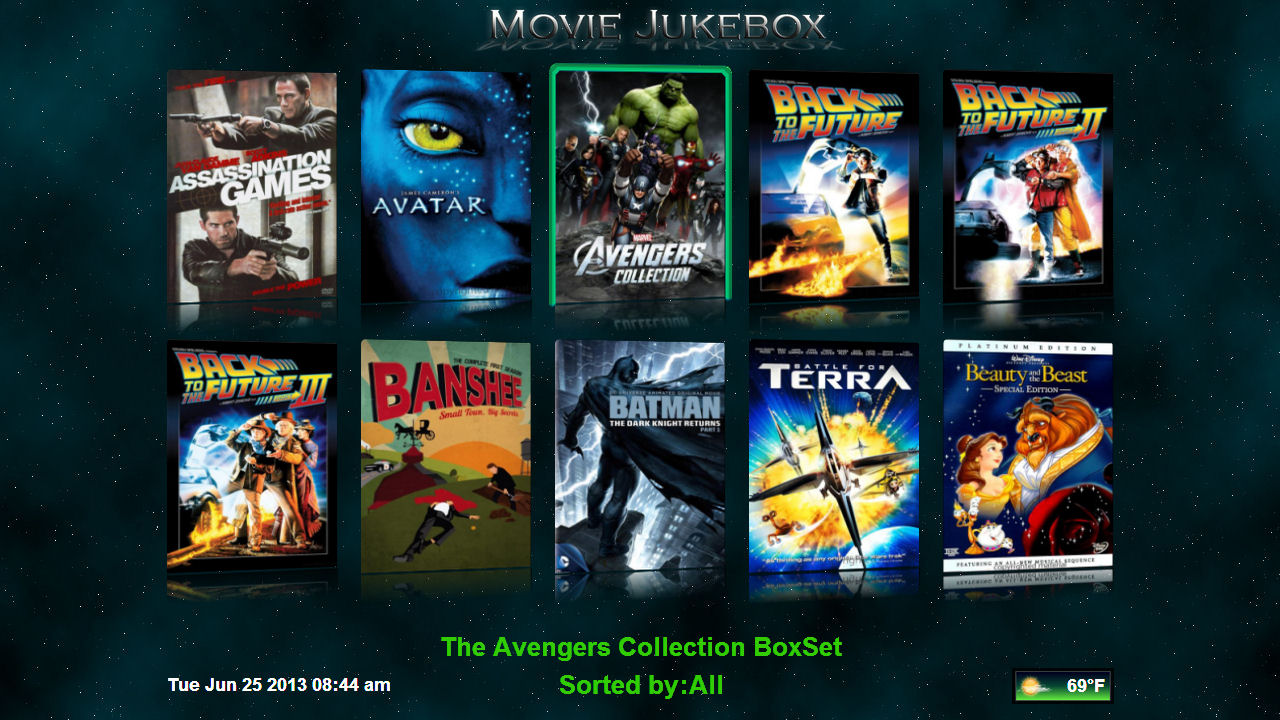
Basic Wall
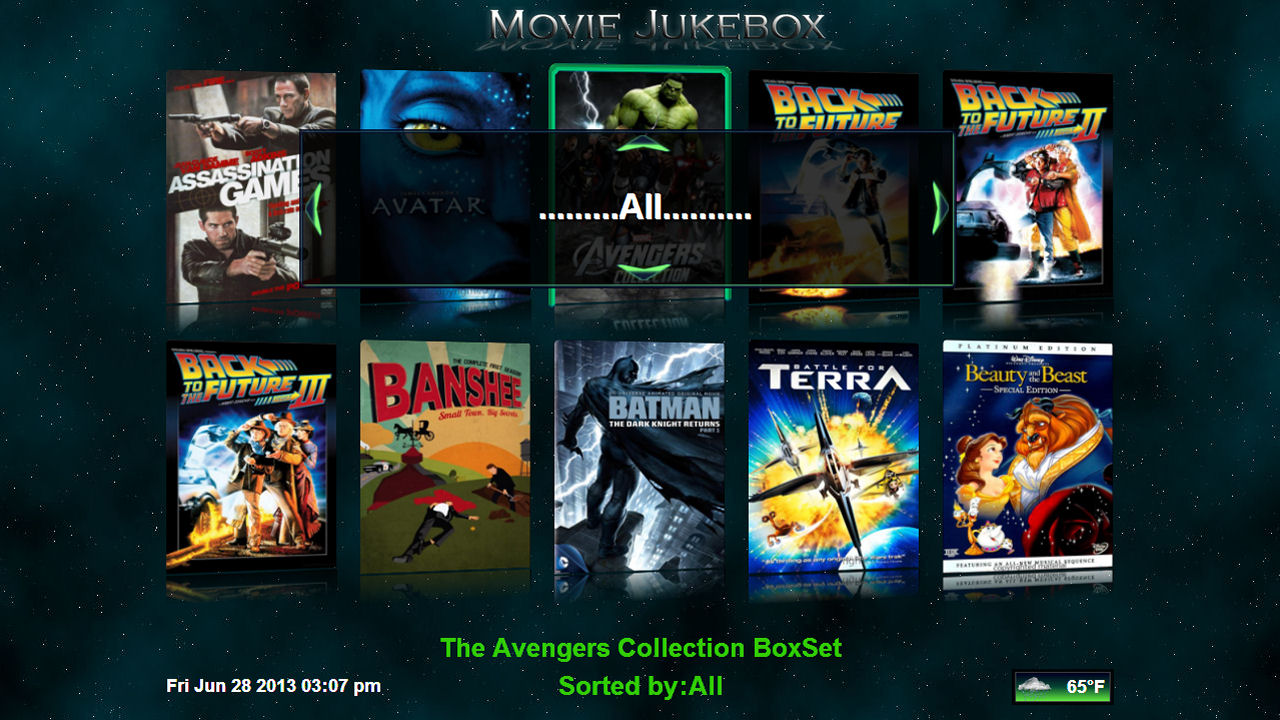
Basic Wall Genre Selector
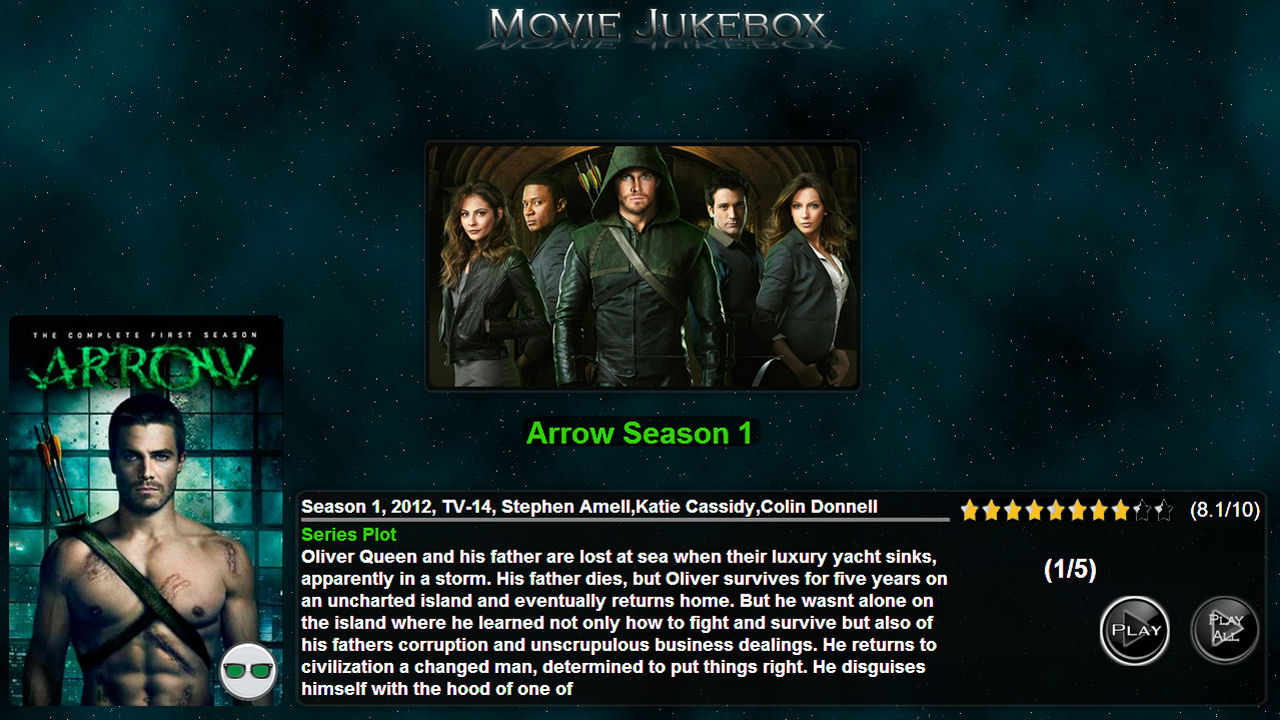
Basic Wall Detailed Page
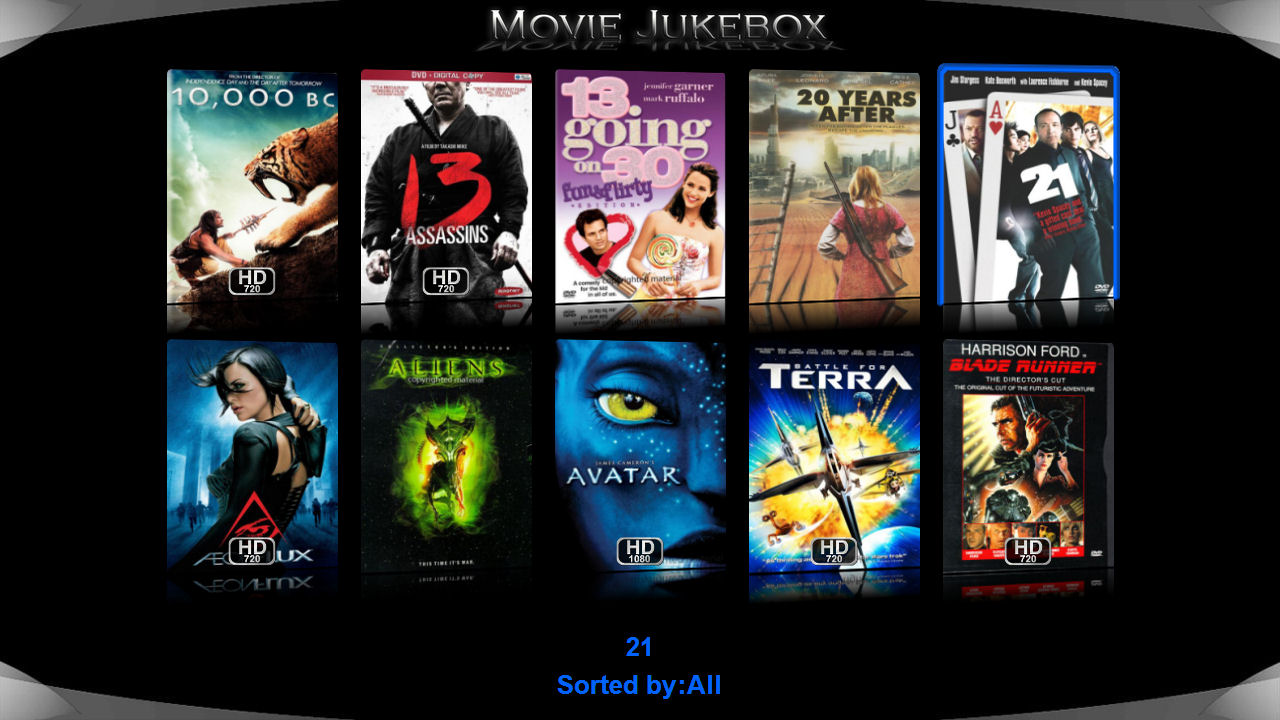
Black is Back
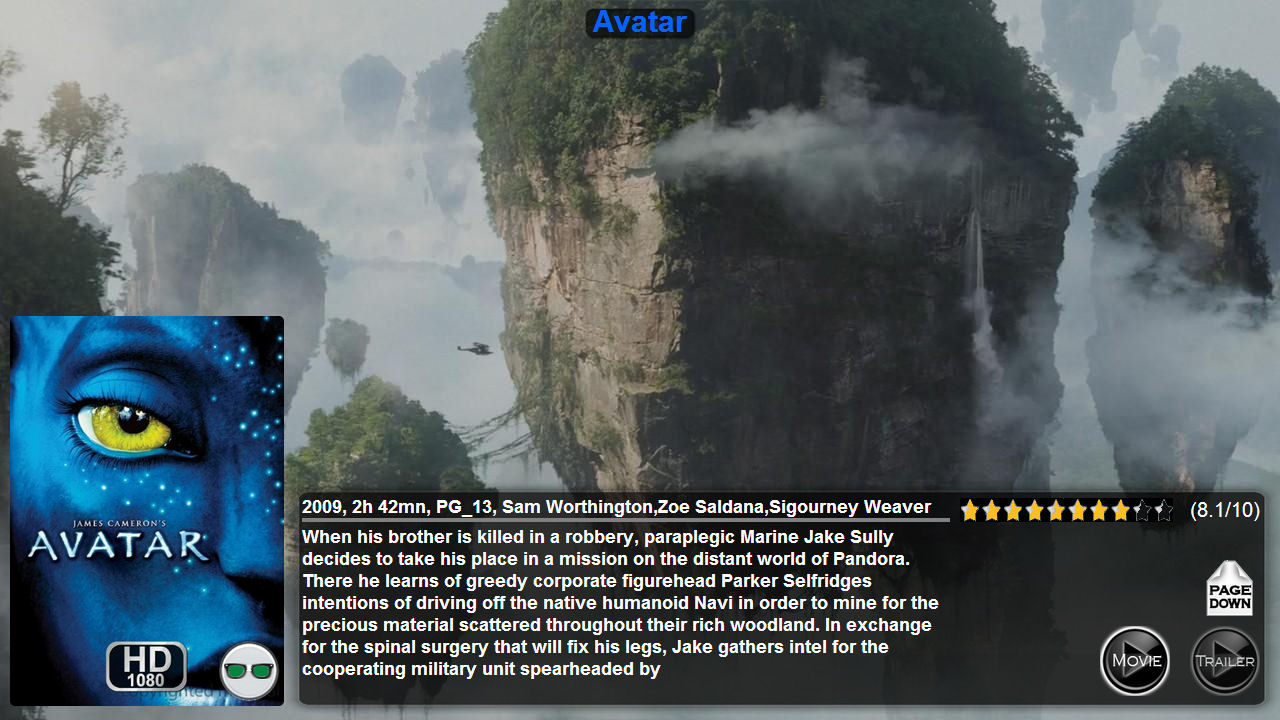
Black is Back Detailed Page
LEDTV
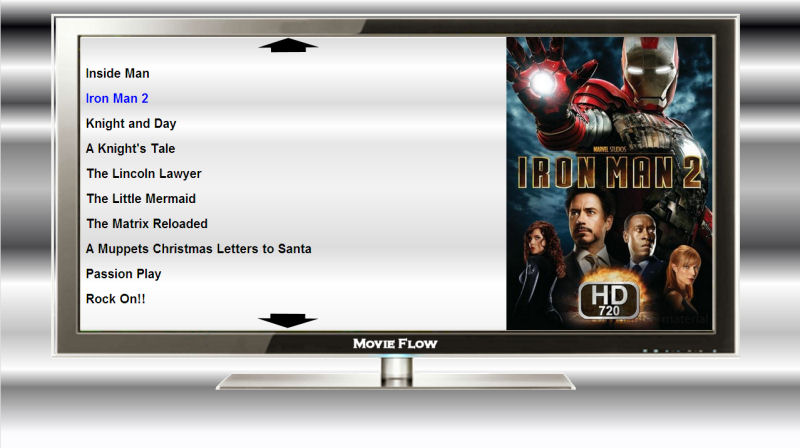
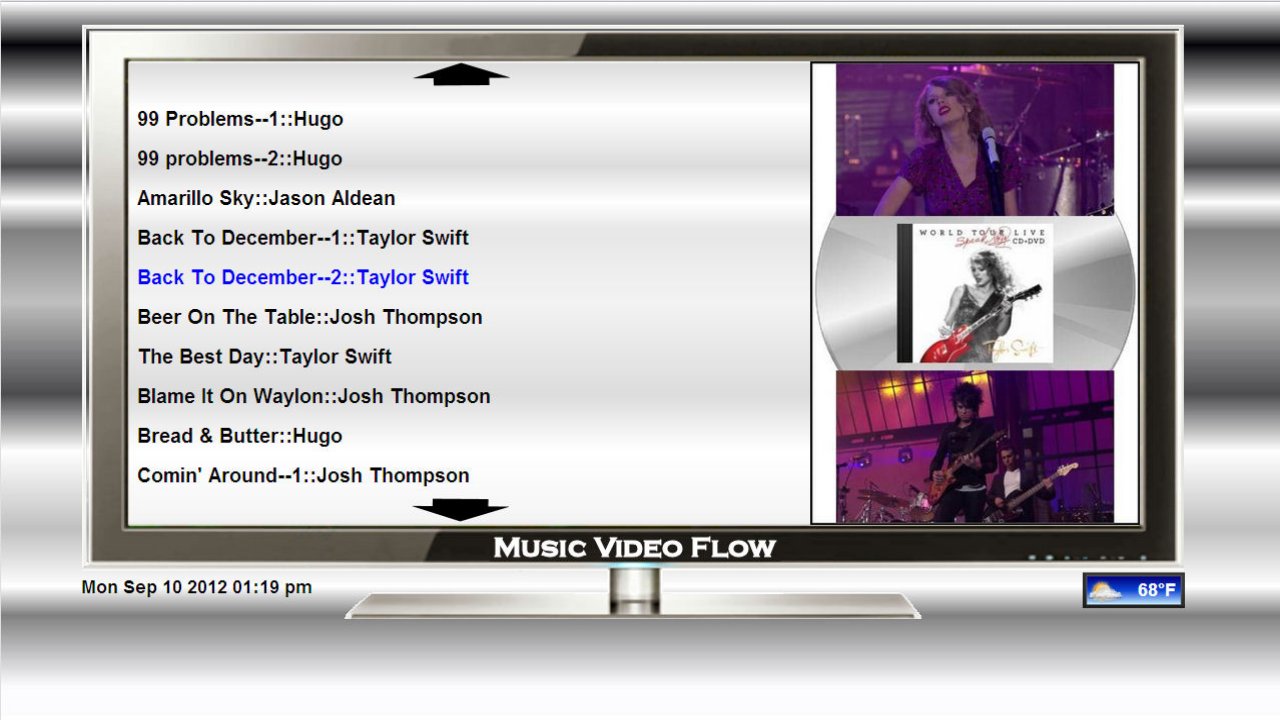
List Mode
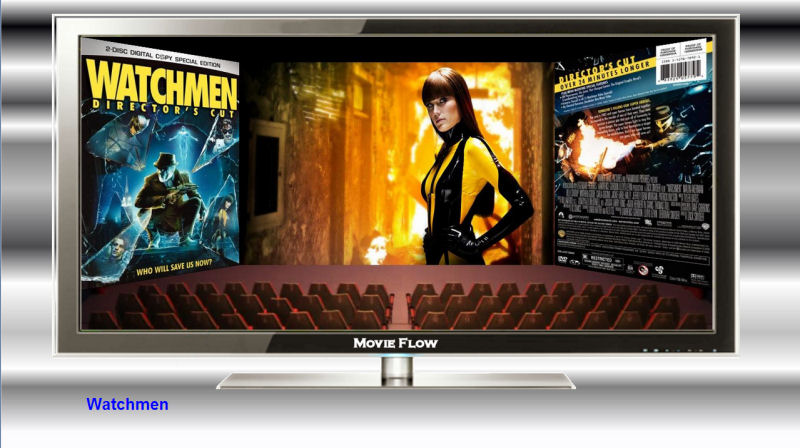
Theatre Mode
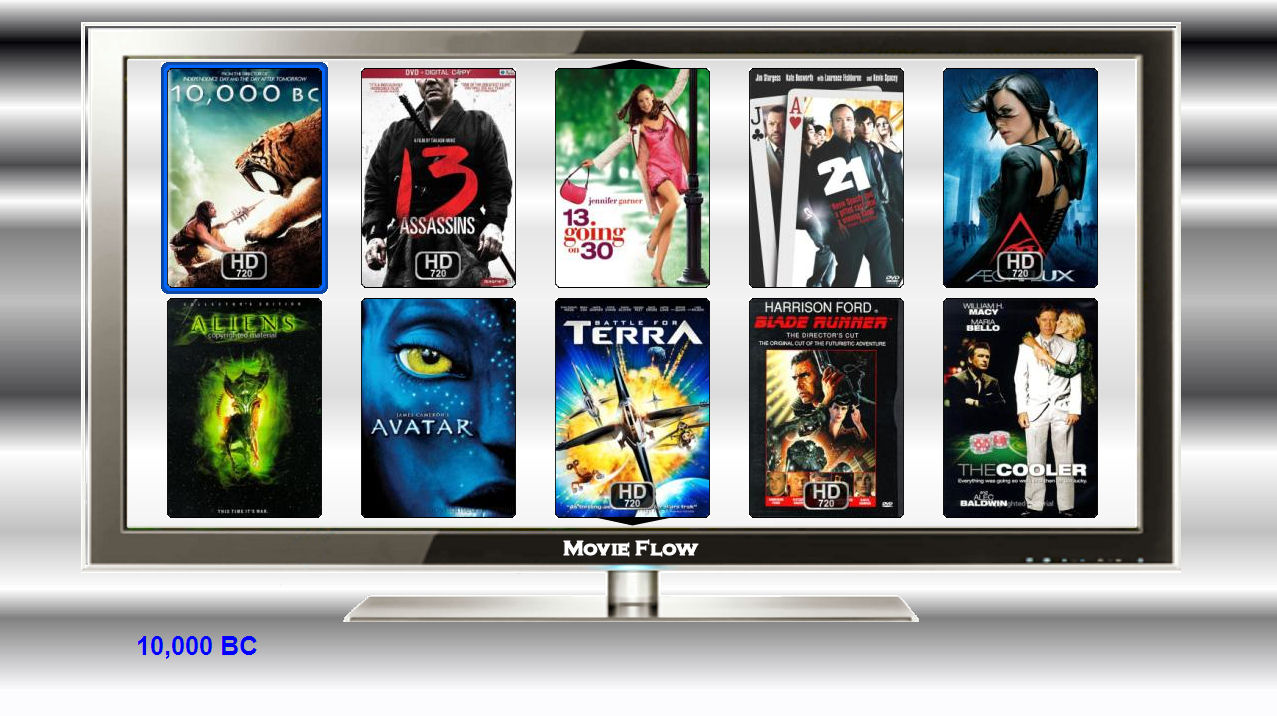
Wall Mode

Slide Mode
Just Press the Red Button to switch between four modes.
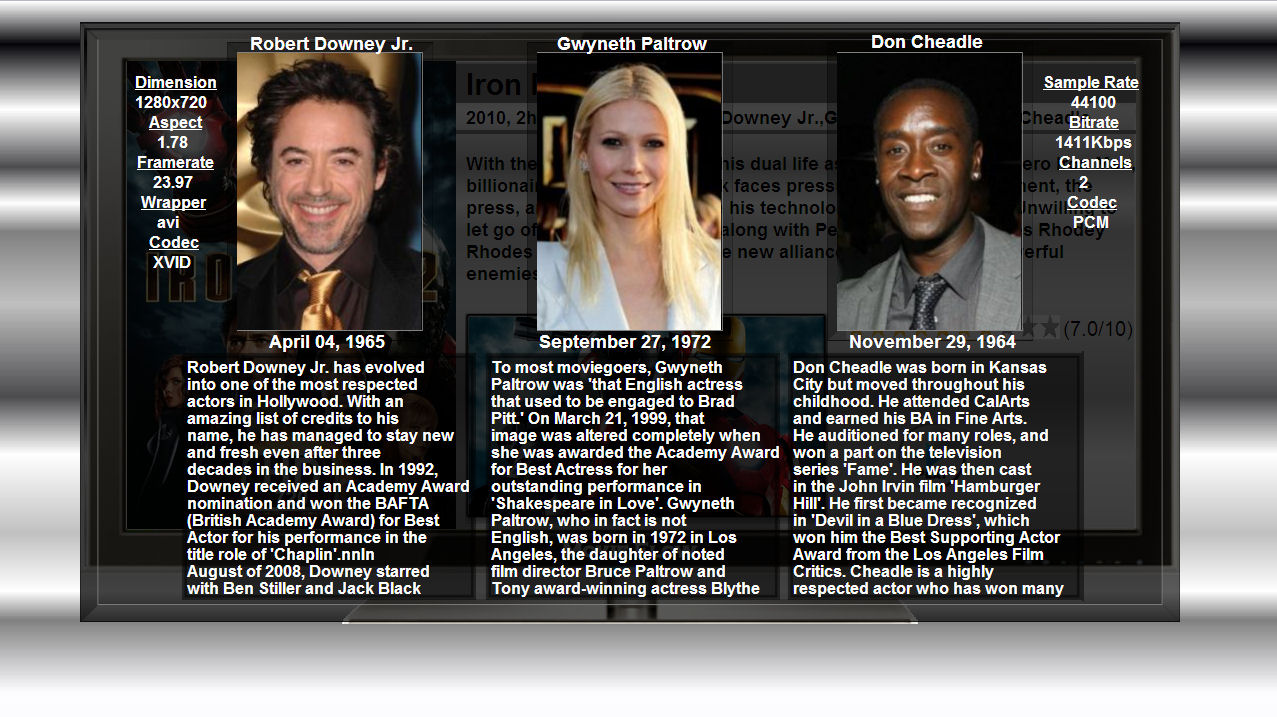
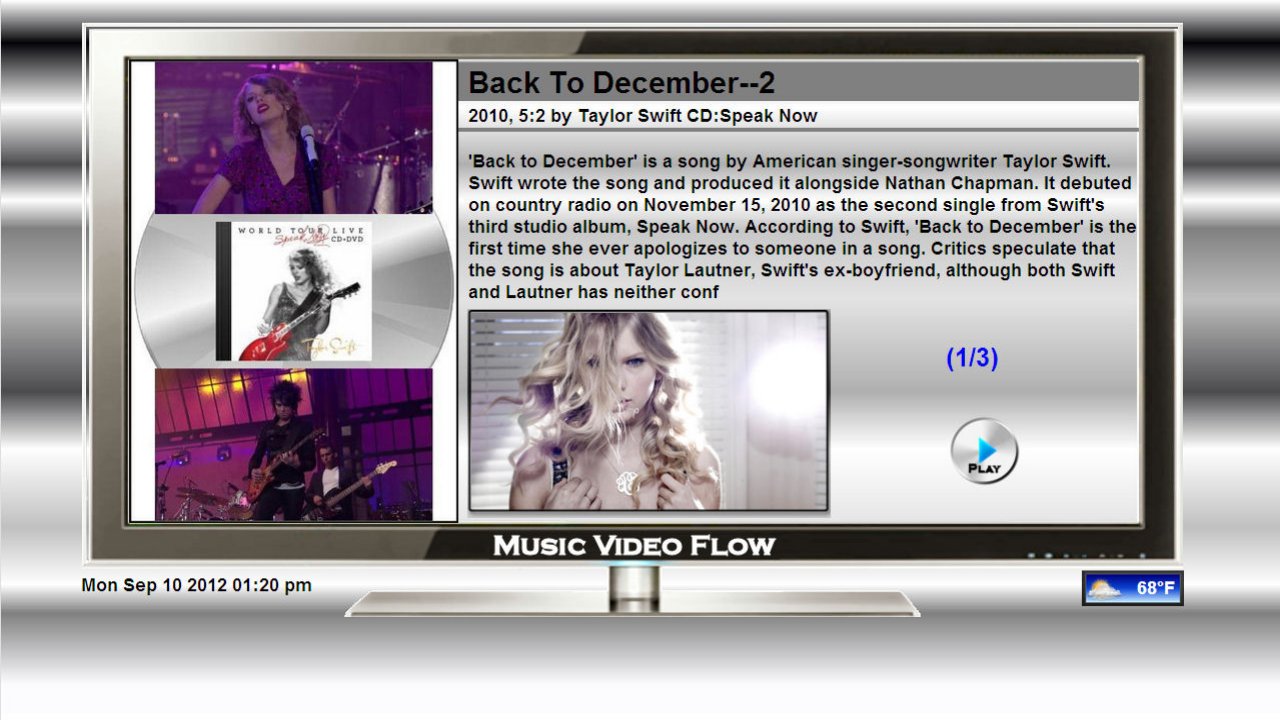
Detailed Page
Press Blue button To See the Actor and Movie Info
Press the Red Button on the Detailed page to Flip between the Front and Back Covers
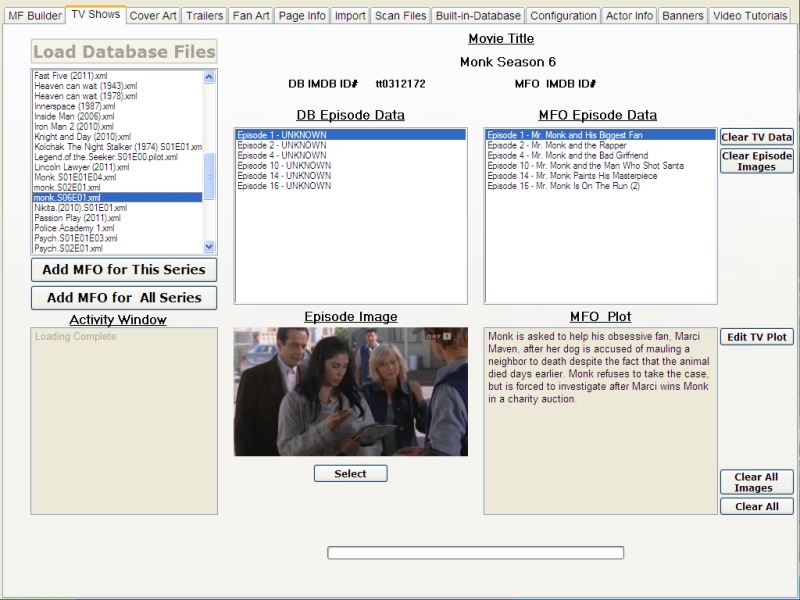
I have added the New Play All Button to the TV Series Pages
FOUR SKINS IN ONE - THE FACE OF THINGS TO COME
These are Screen Shots of the
Movie Flow Basic Skin
Wenches On Wrenches Skin
Robots
Sleek
Sleek-Blue Ice
Slick Basic
Slick Robots
Slick Wenches On Wrenches
Fanvision
Bannerit
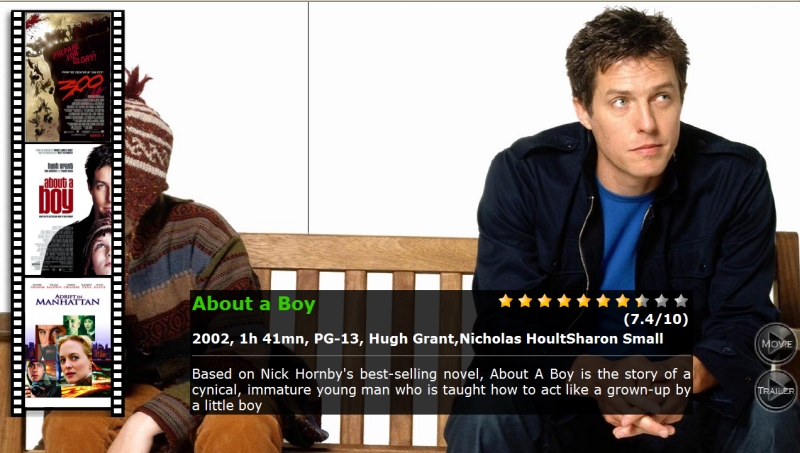
This is The Fanart Detailed Page
ALL NEW EPISODE IMAGE FUNCTION
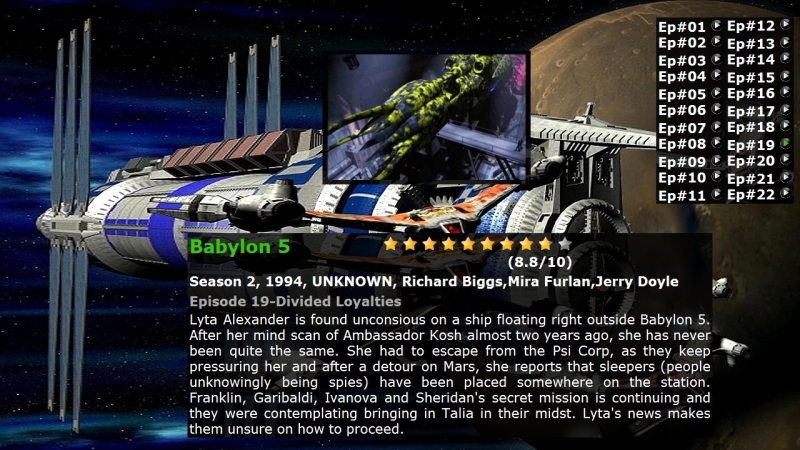
First The Detailed page for a TV series is display The Episode Image is Displayed in the Middle
of the screen. To turn OFF the Episode Image press '222' on the remote.
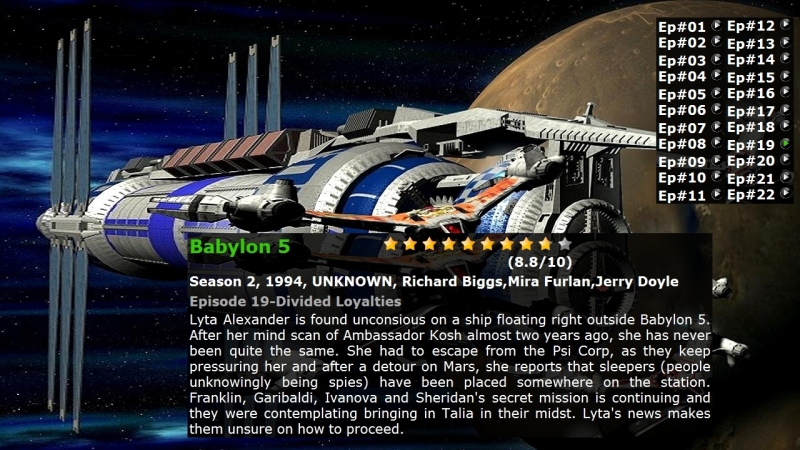
To turn back on the Episode Image press '222' on the remote .
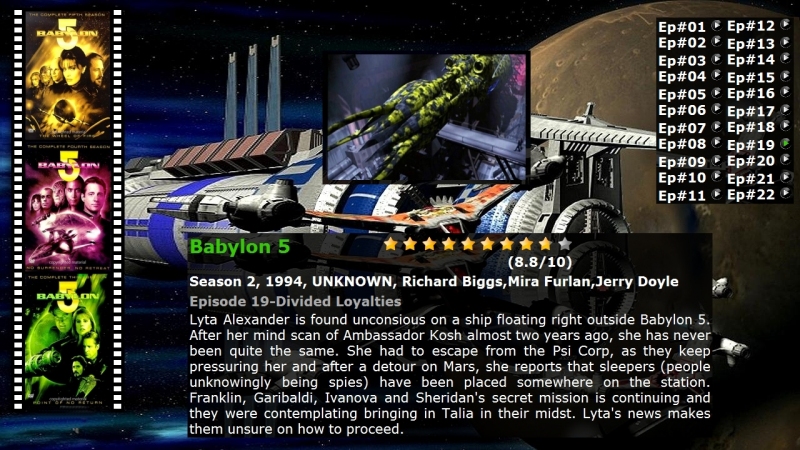
To Turn on the Film strip option side bar Press '111' on the remote ... The Film Strip side bar display the current Cover art and the cover art of the next and previous video.

Using the Navigation Pad Move the cursor Over the Film Strip and a Large copy of
the Cover art is displayed in the Middle of the screen, move up and down and the
large cover art for each item on the film strip is displayed. Pressing the enter key
while on the cover art film strip will have Movie Flow jump to that Video page.
Moving up and down over each TV episode will update the plot information and the Episode information, press enter to play the desired episode.
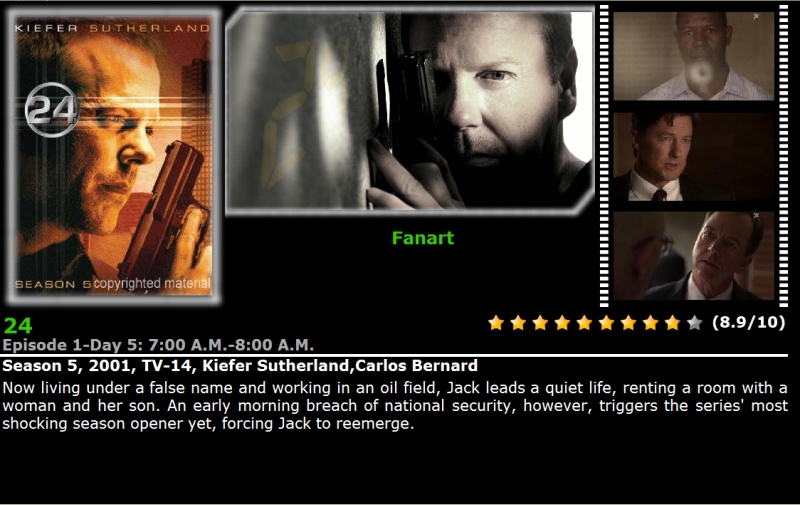
Detailed Page - White Shadow
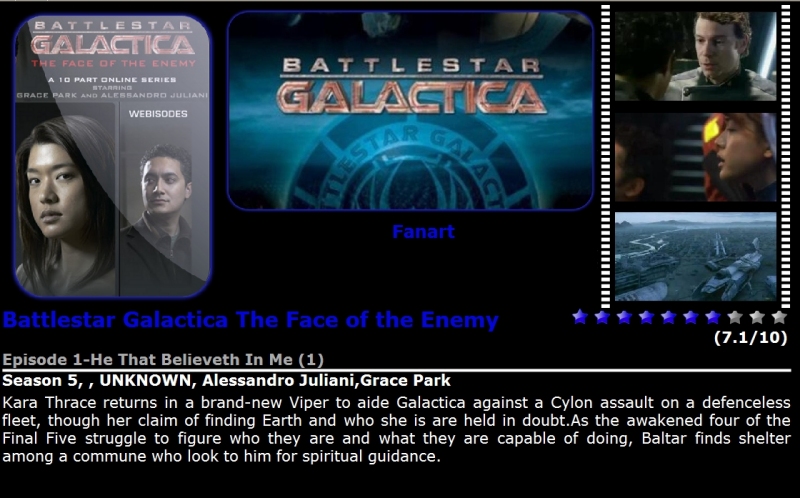
Detailed Page - Blue Ice
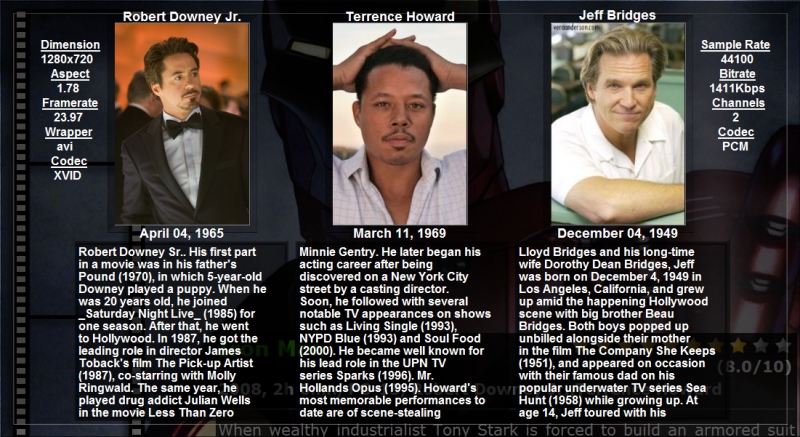
Info Page Displays Video Information and Actor Information from the Detailed Page.
Press the Blue Button (Wait ...) the above is then Displayed, press Blue again and it is hidden.
This works in all detailed pages!
http://www.indocomp.com/forums
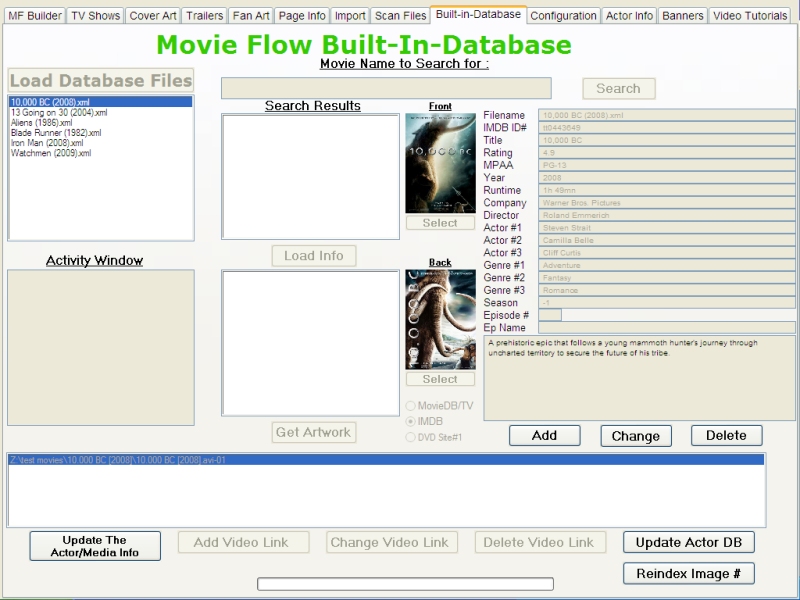
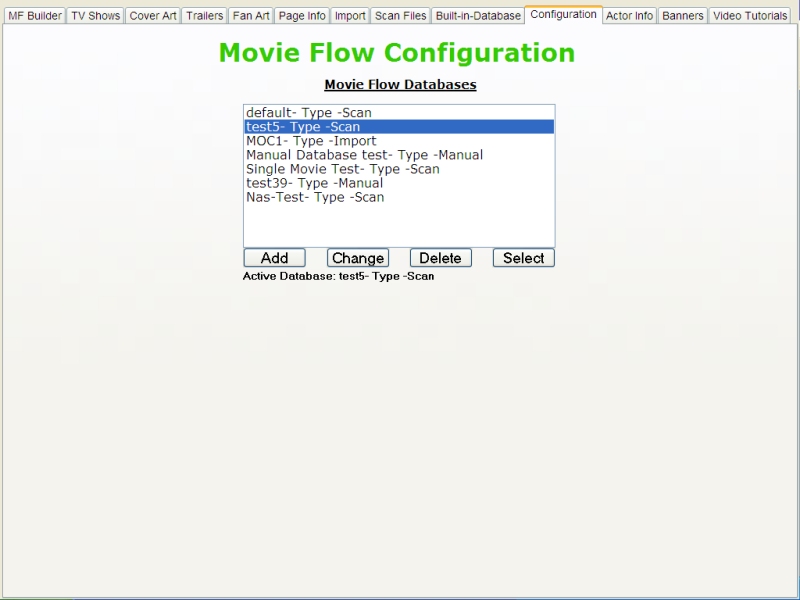
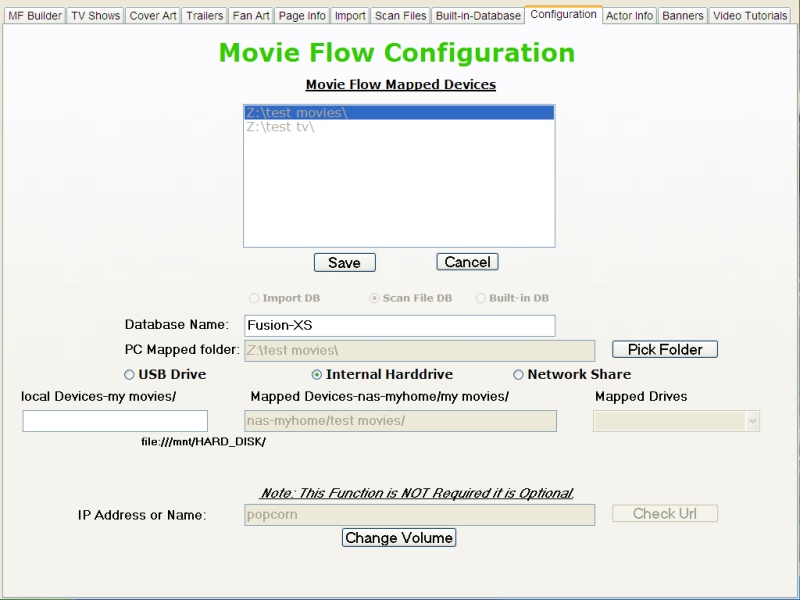
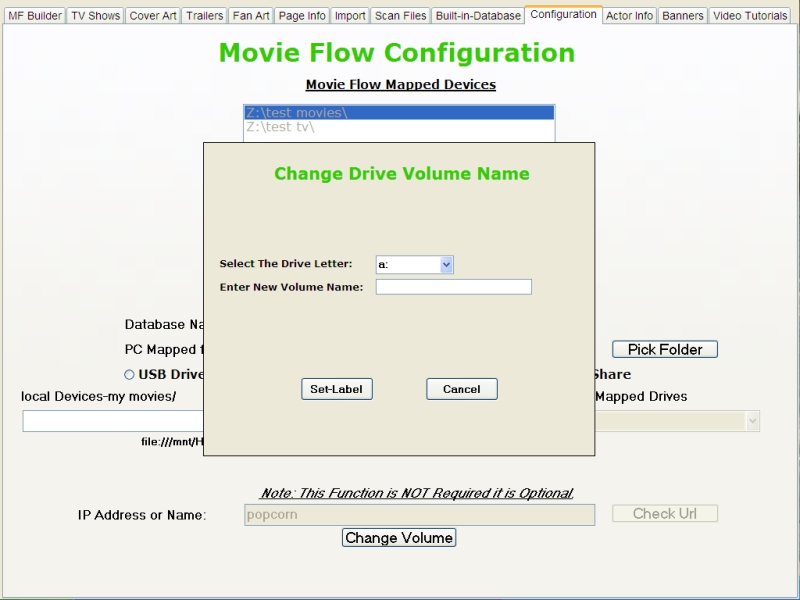
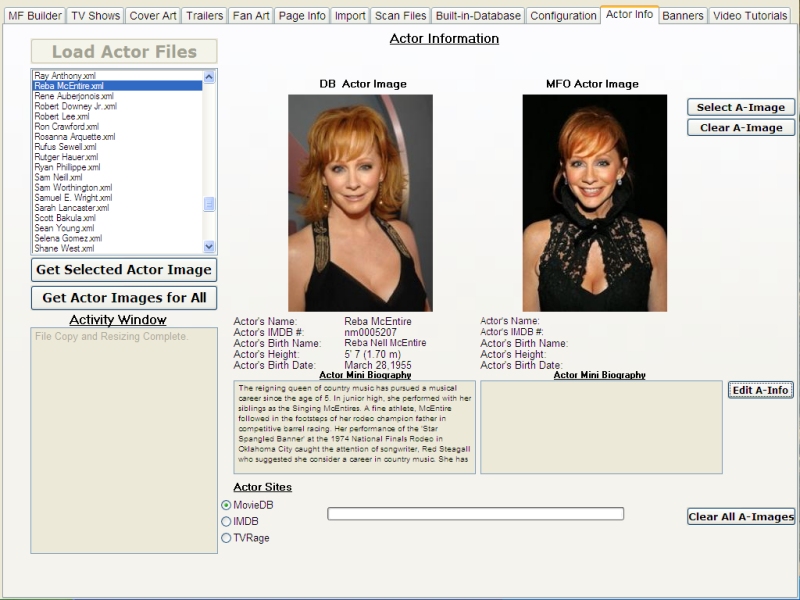
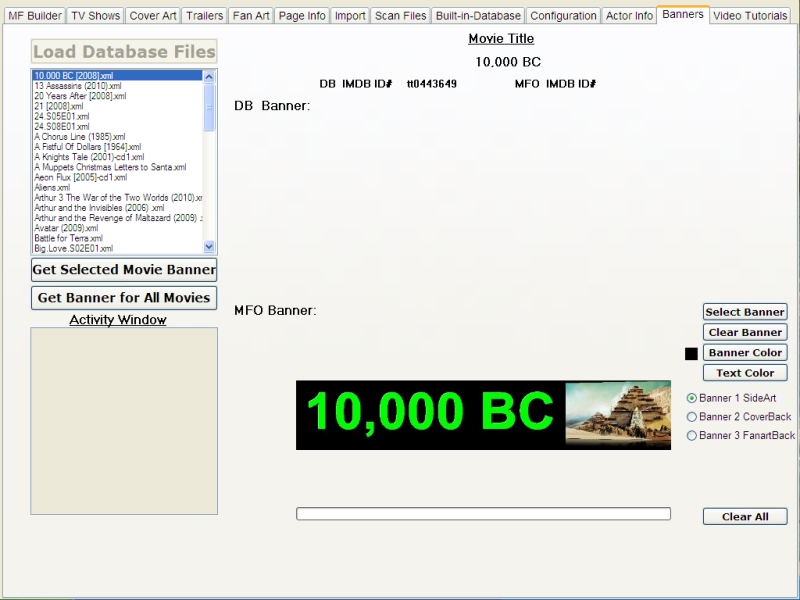
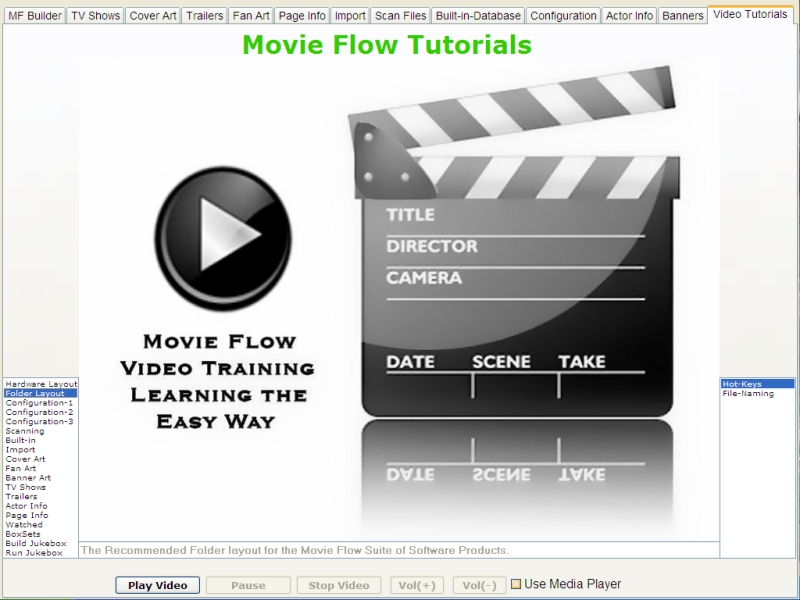
For Detailed instructions on setting up Movie Flow Please Click on the Video Tutorial Tab and Download and watch the Videos All will be revealed.
Movie Flow Forum
Once Installed you can run Movie Flow for Fusion XS 1.0 from the Desktop or your Programs Menu.
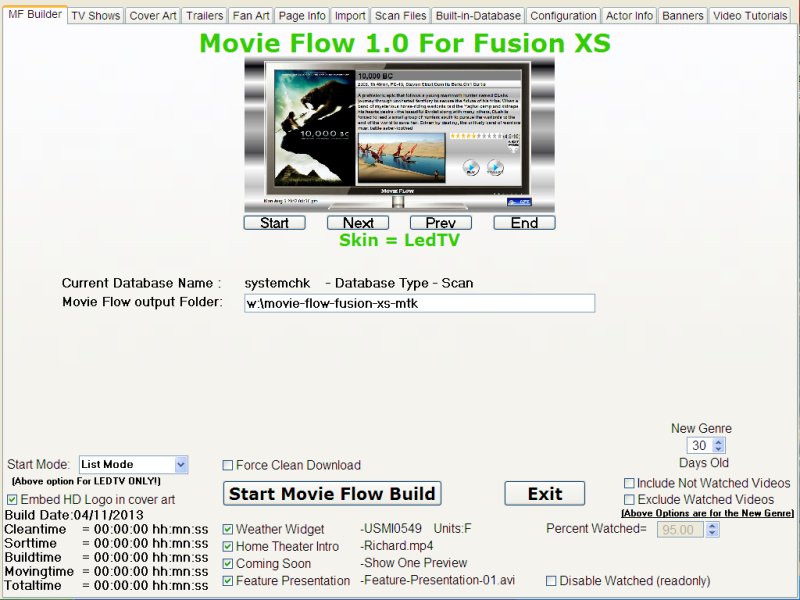
Caution:Movie Flow Erases Everything in the output Folder at the Start of Each Build !!!
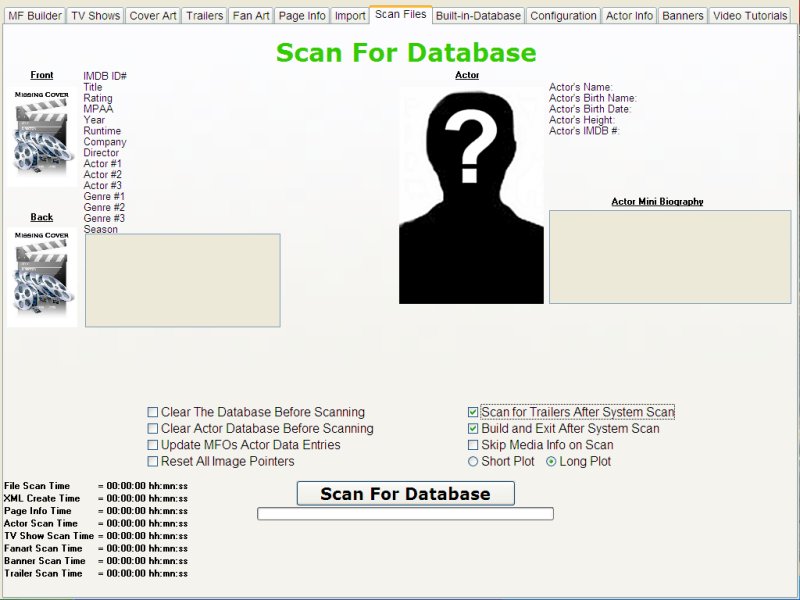
Movie Flow Can now do all the scans and Builds By checking the box options on the scan page
and clicking the scan button ... One click Build function.
NOTE: MOVIE FLOW EXITS AFTER A BUILD IS COMPLETED!!!
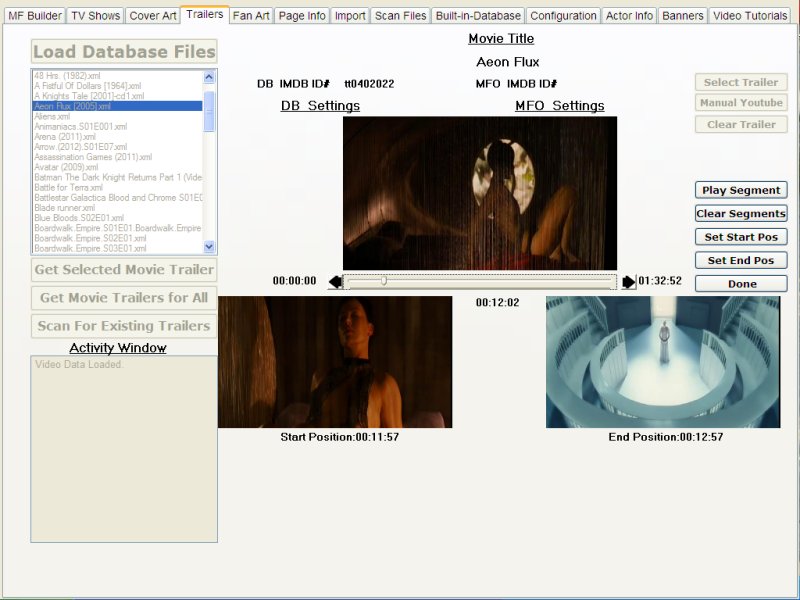
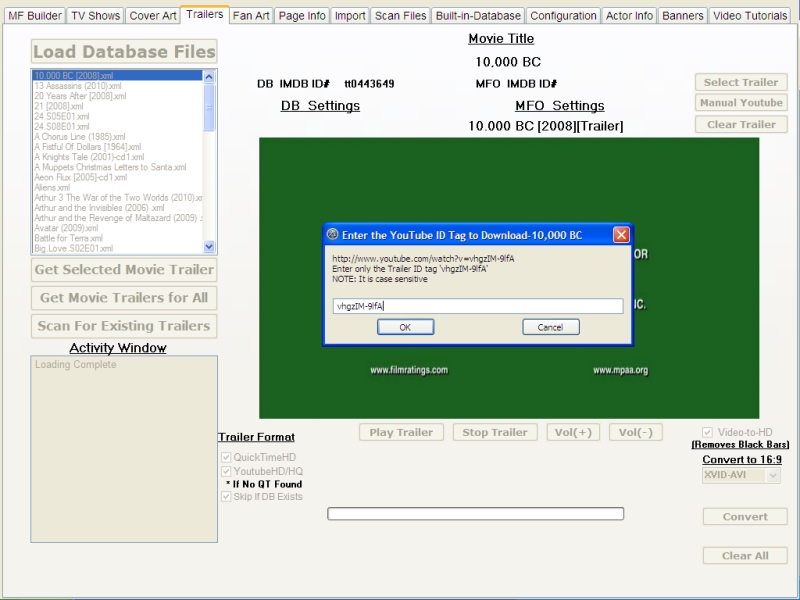
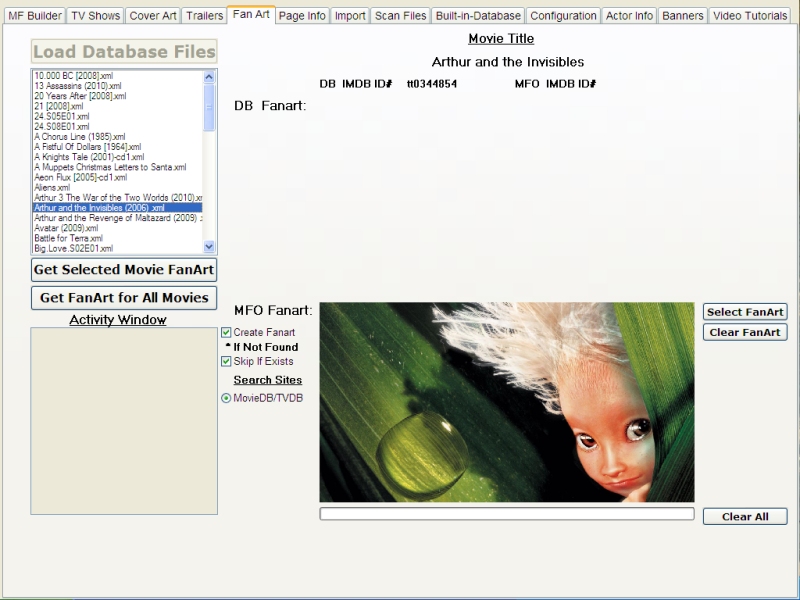
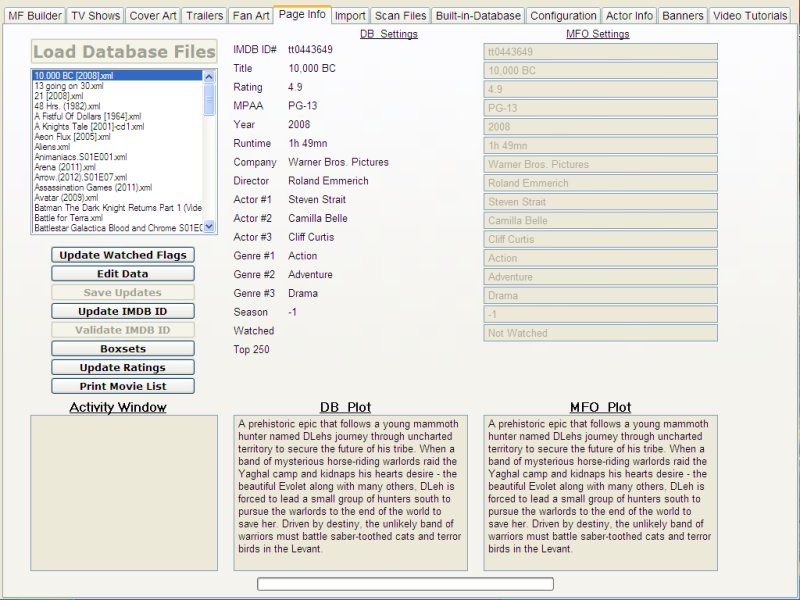
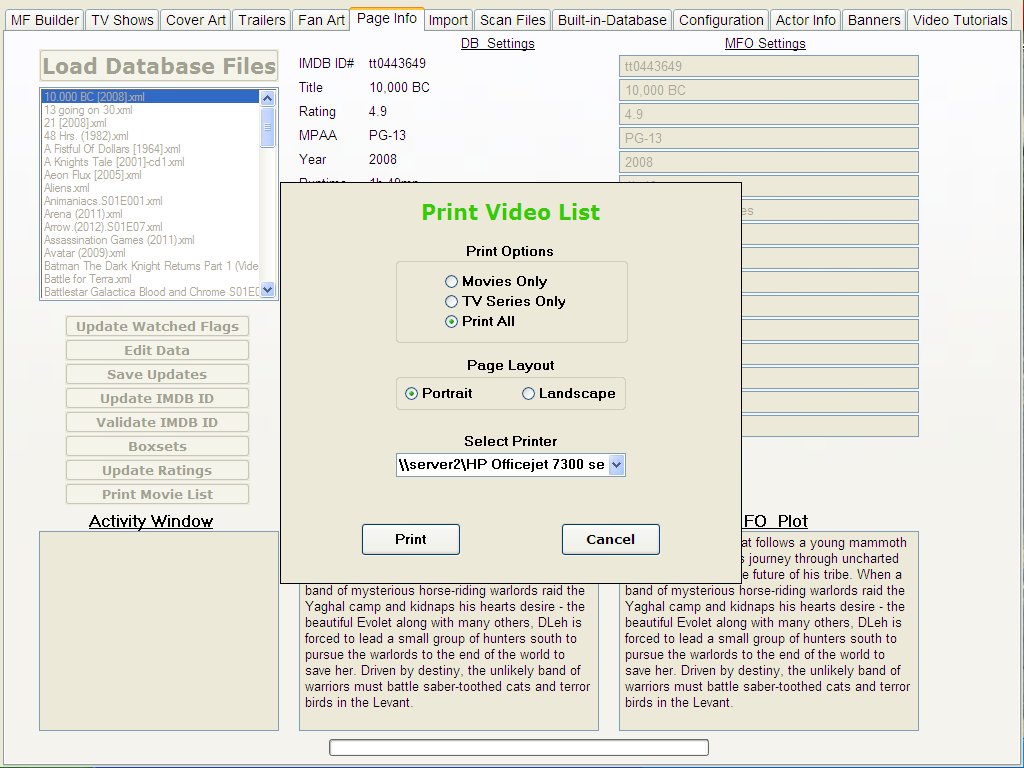
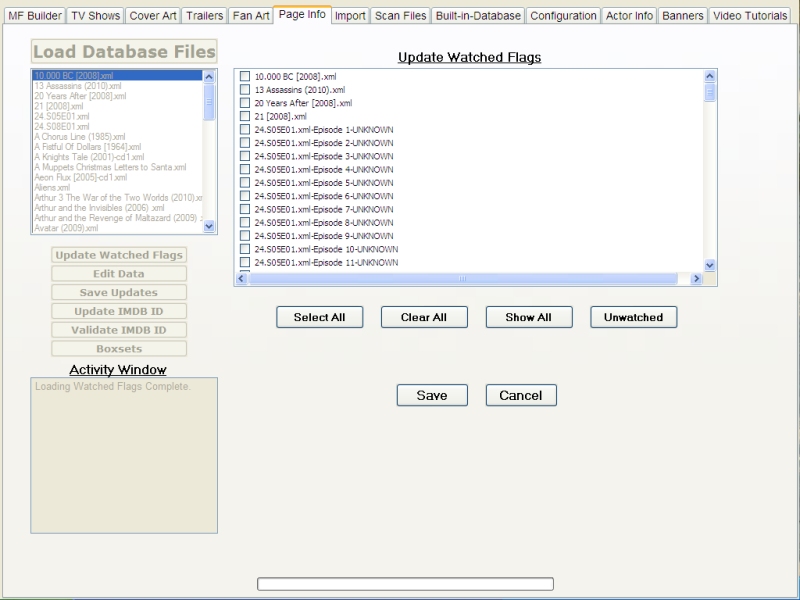
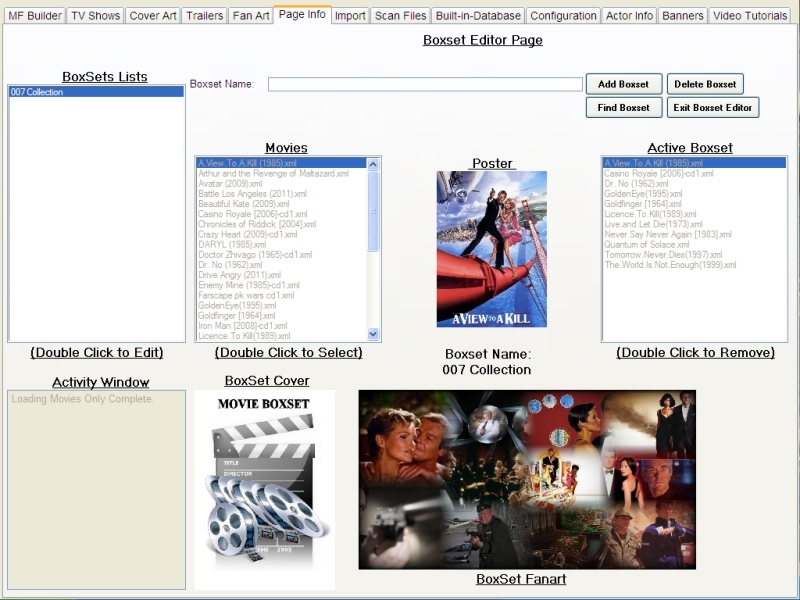
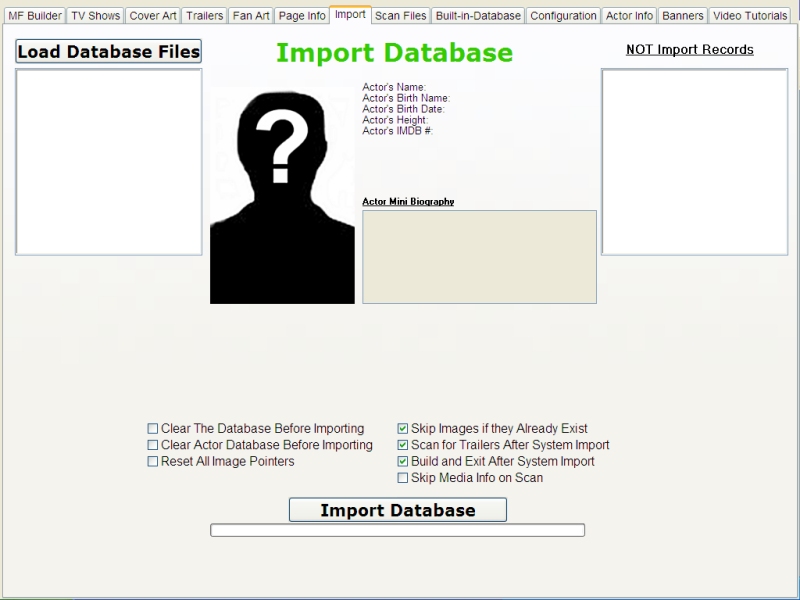
Advanced
Functions
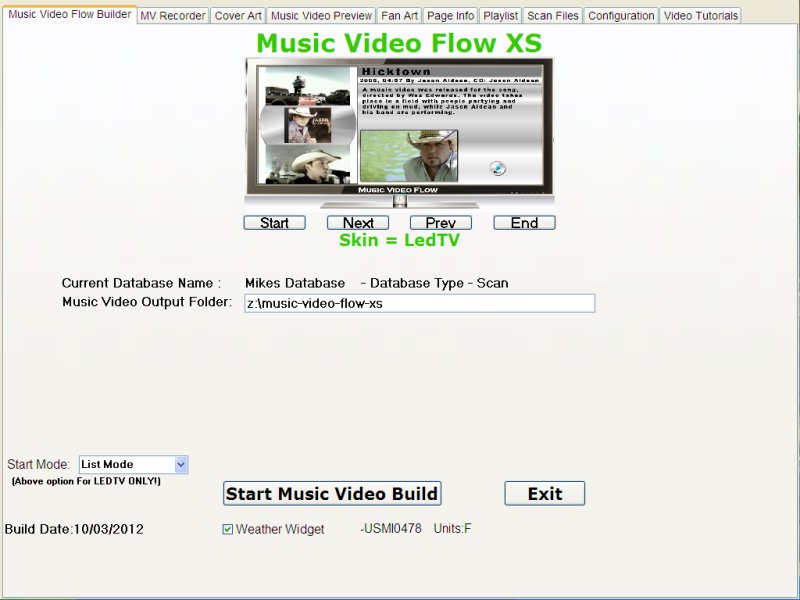
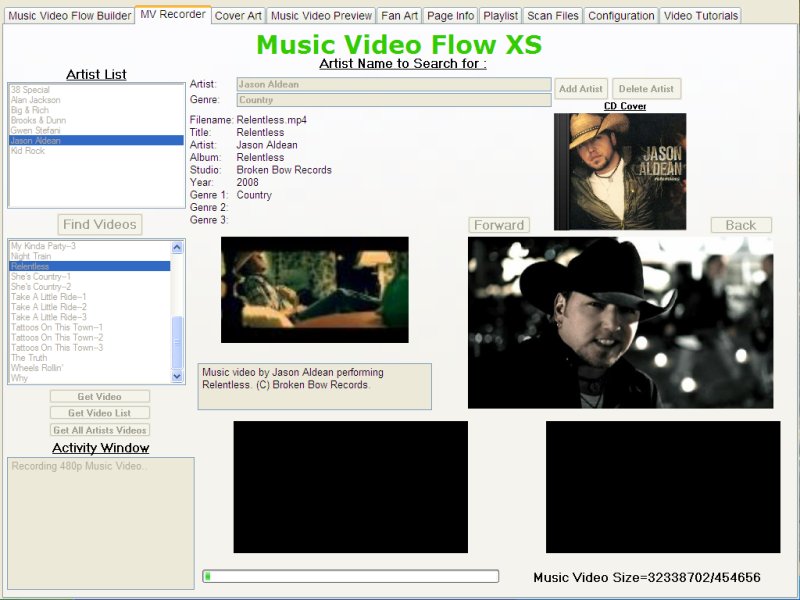
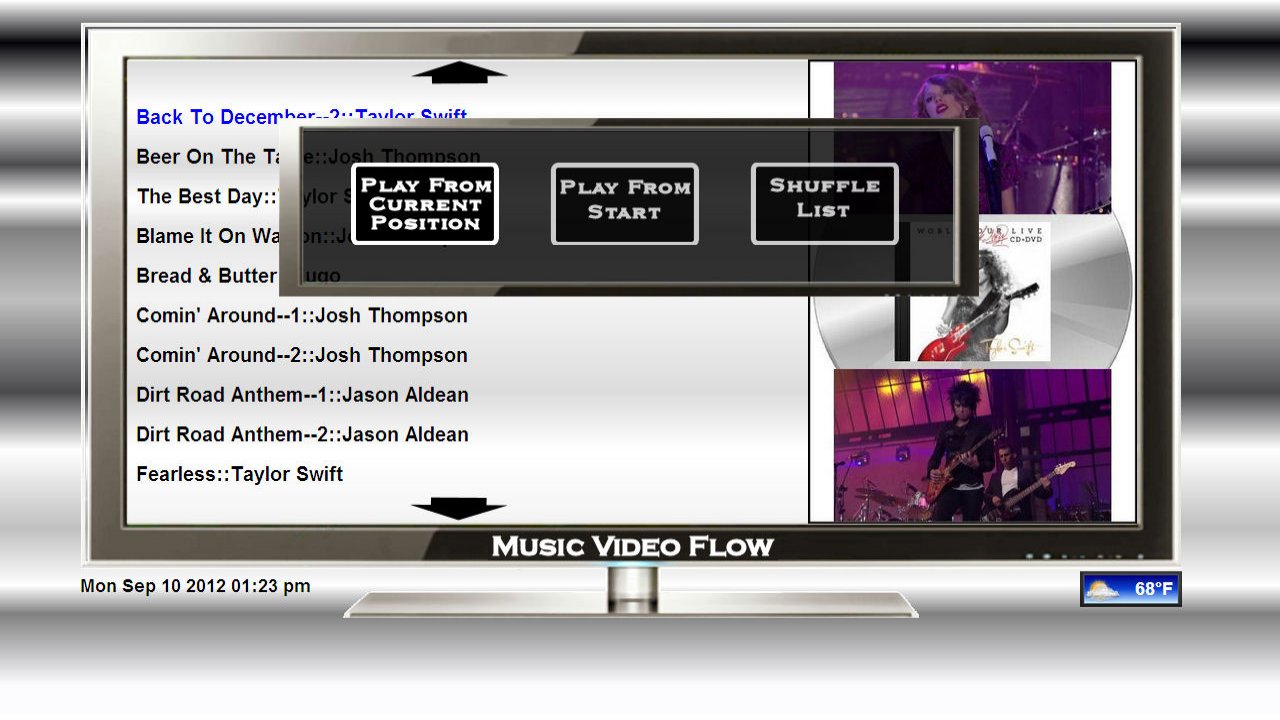
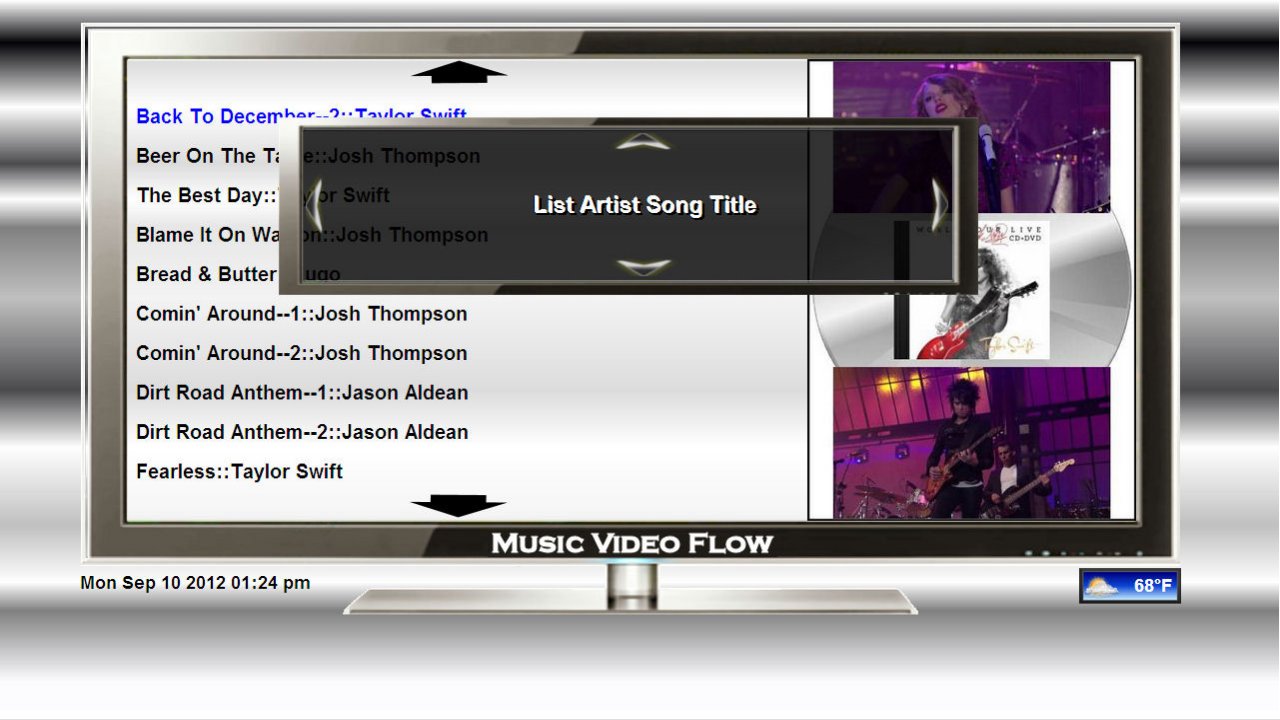
Music Video Flow for Fusion XS

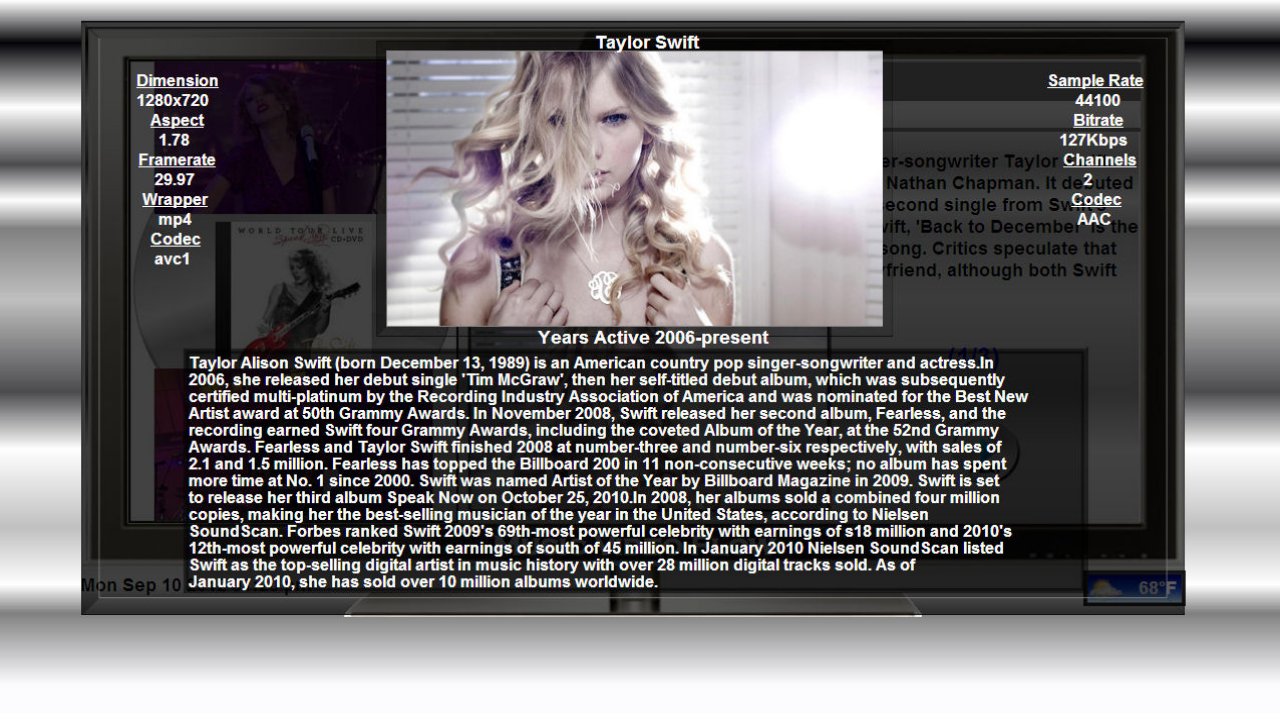
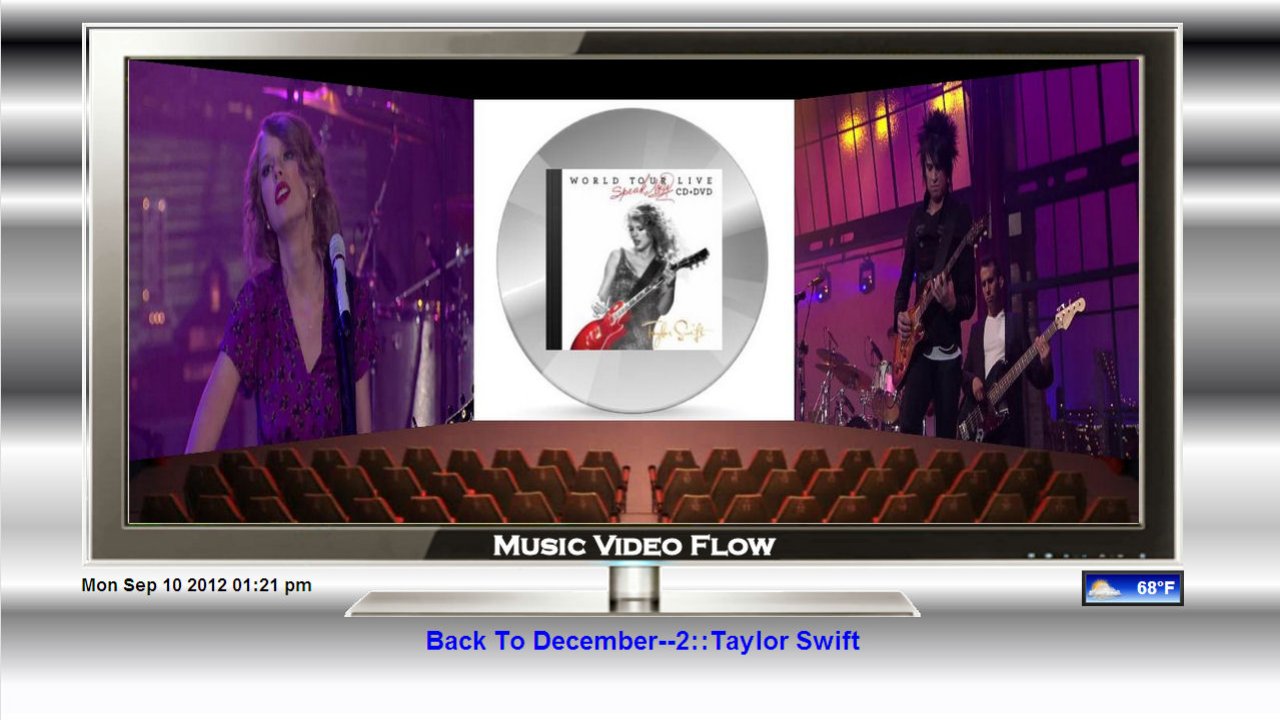
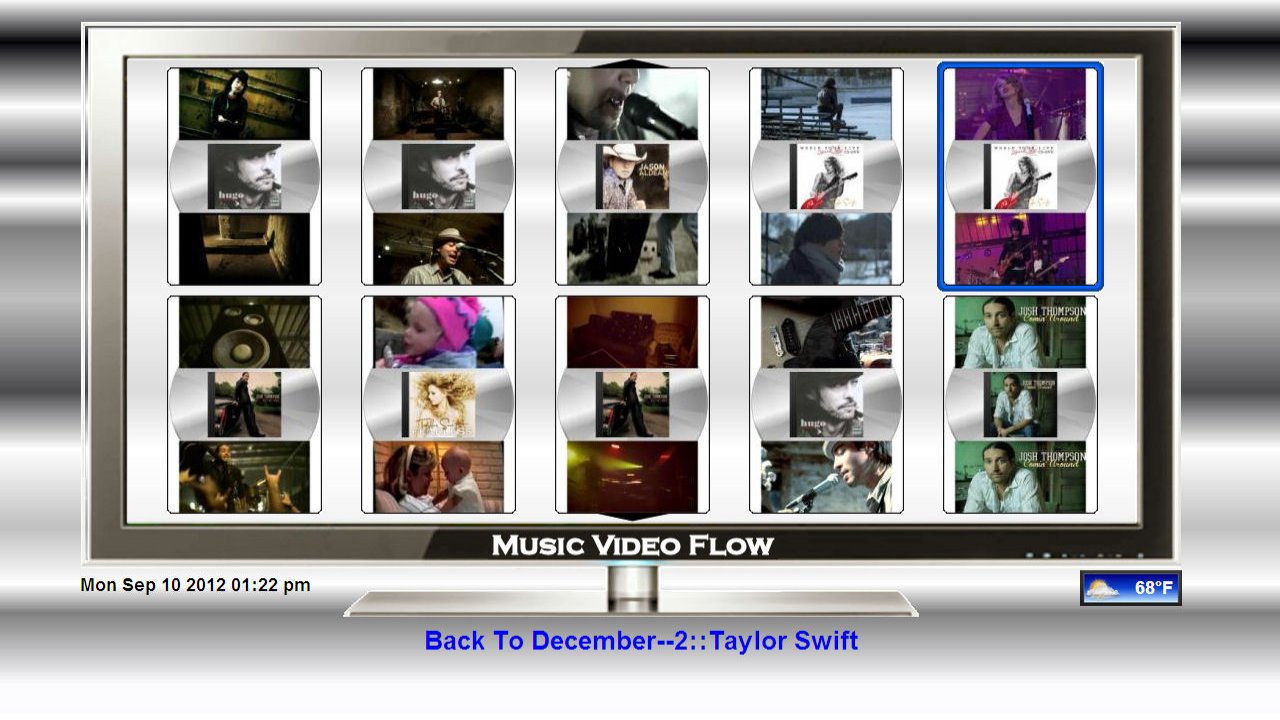
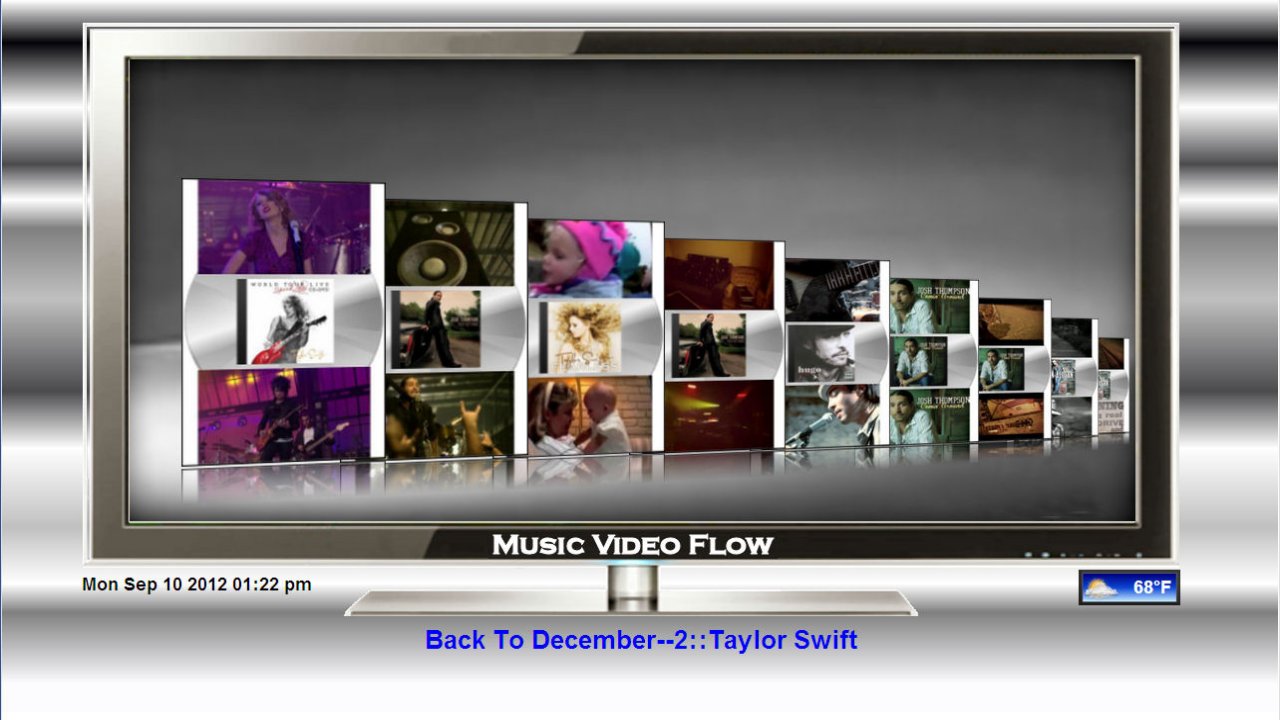
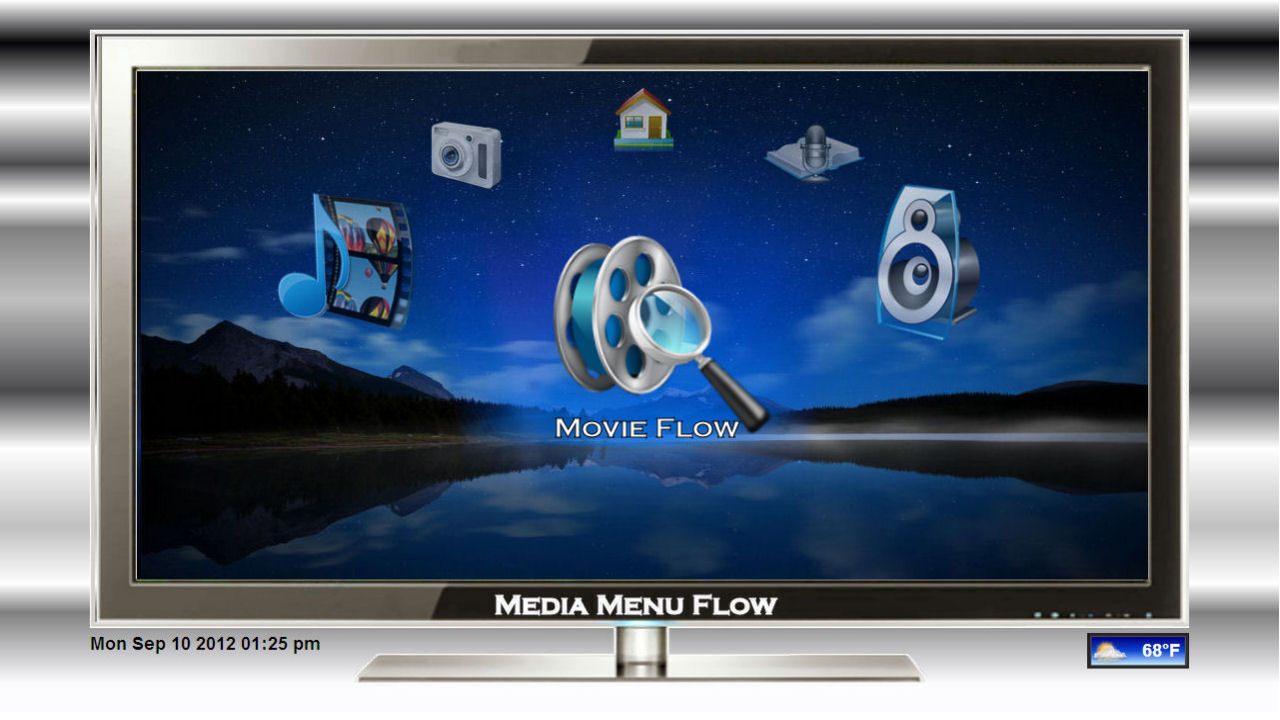
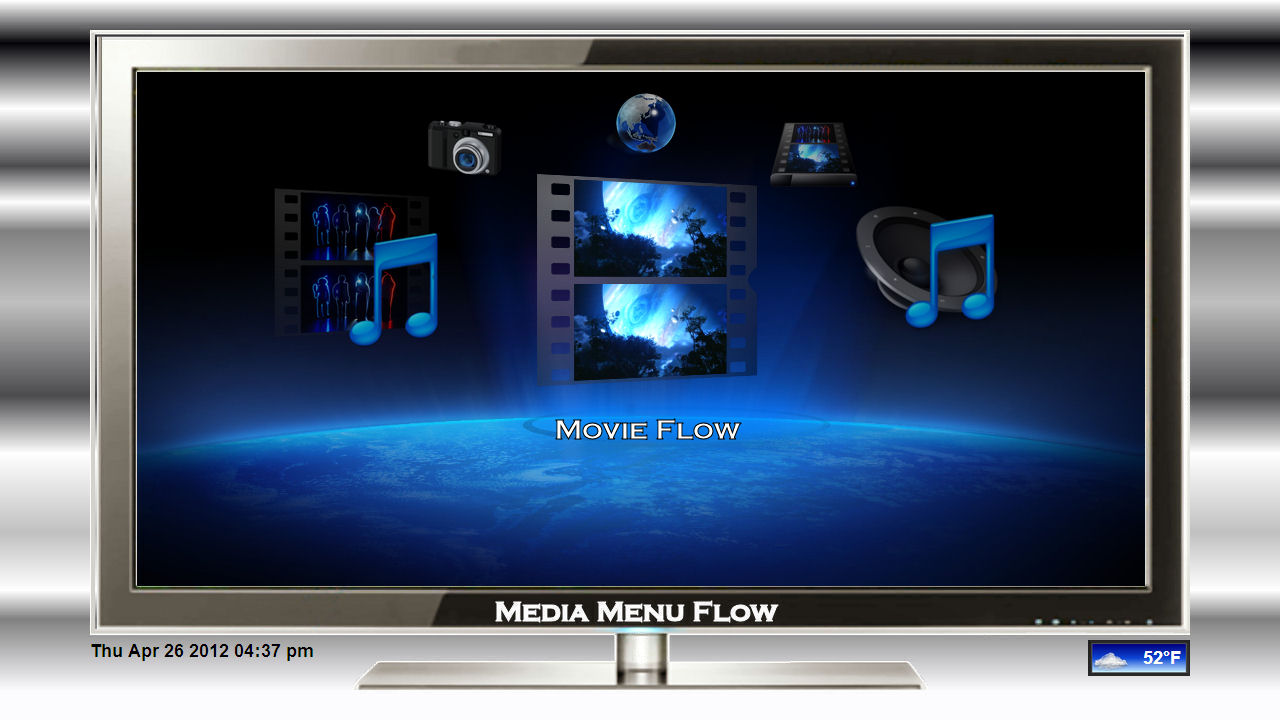
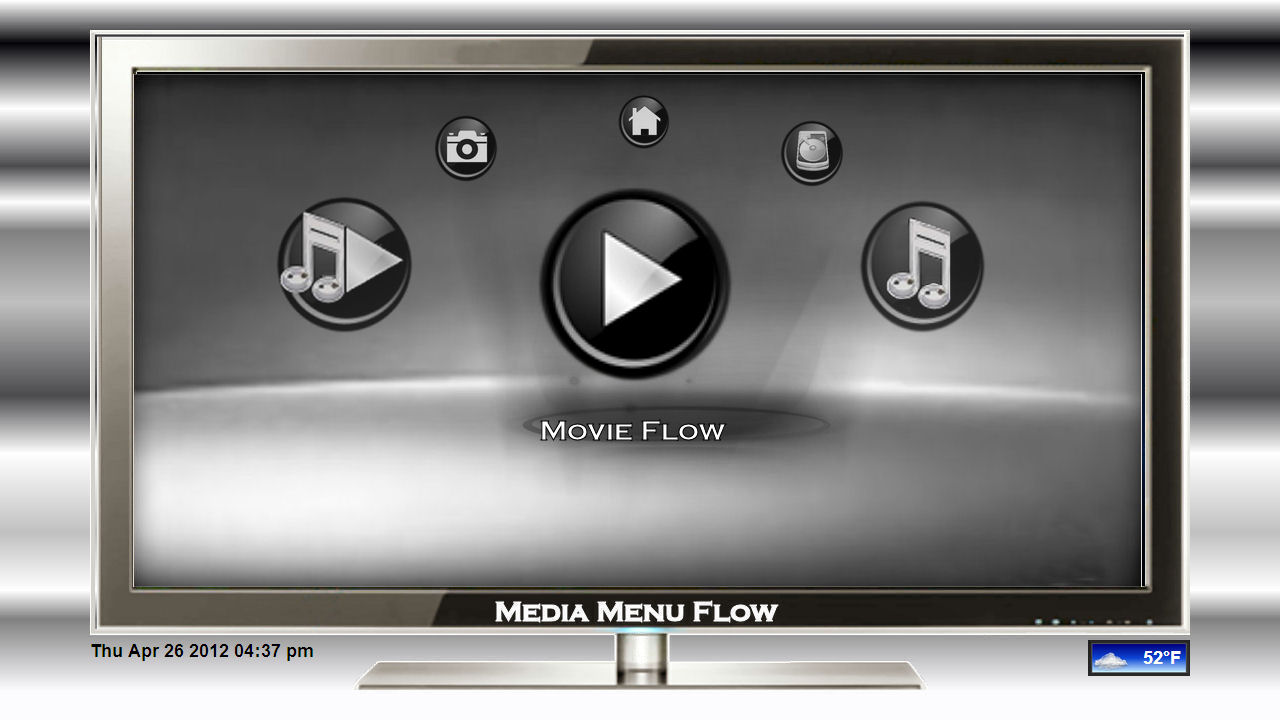
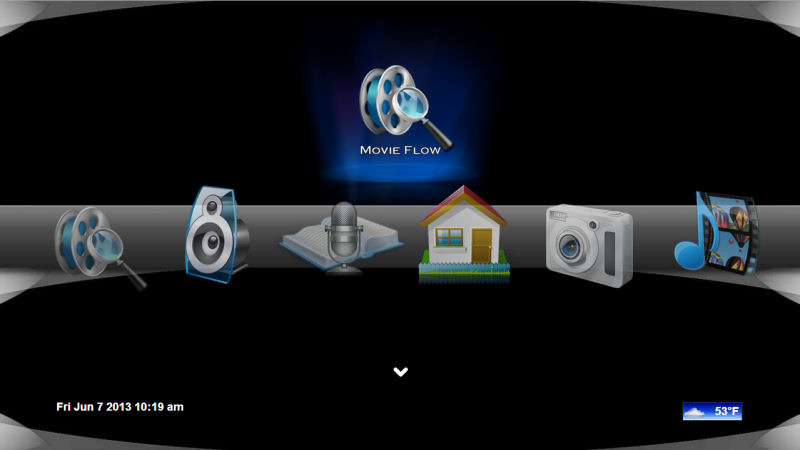
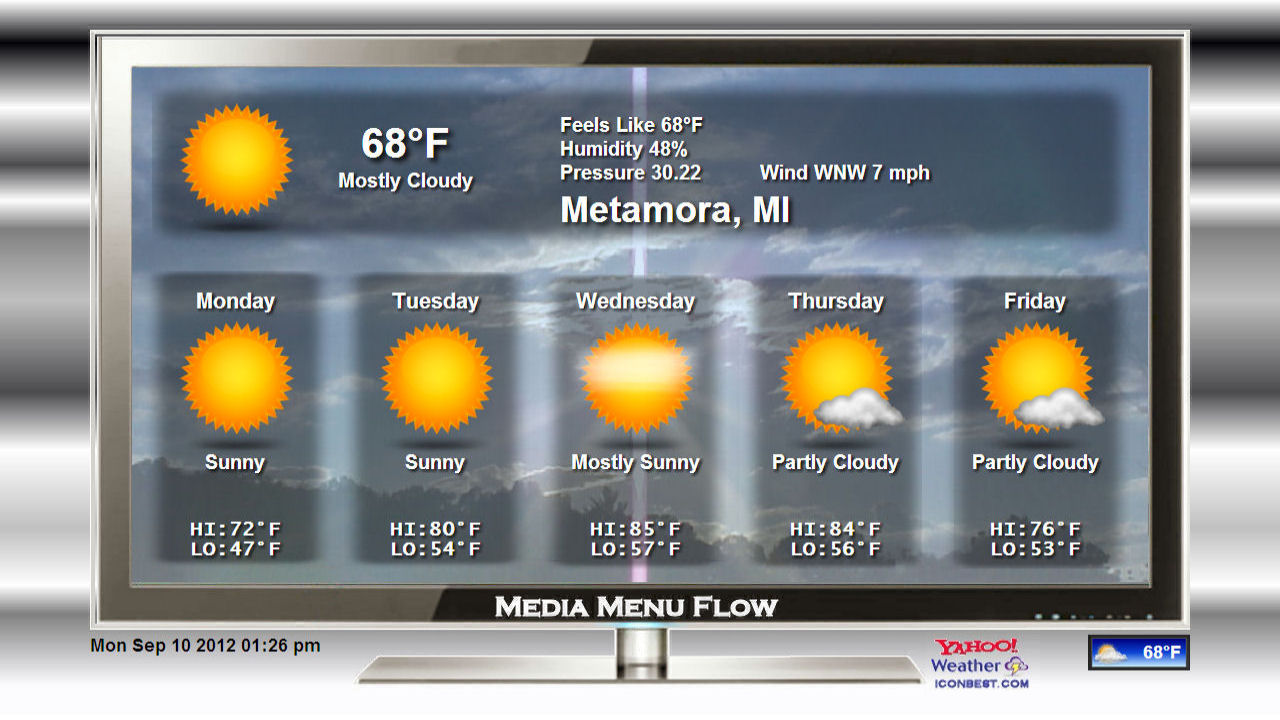
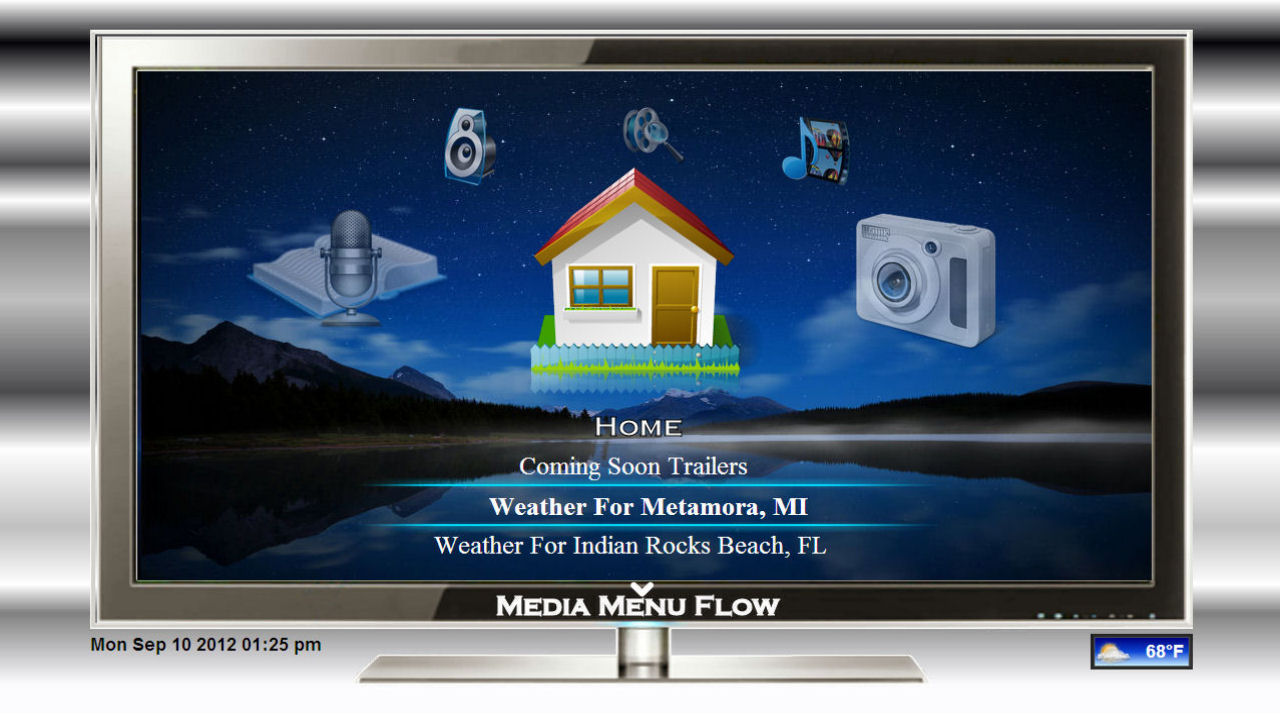
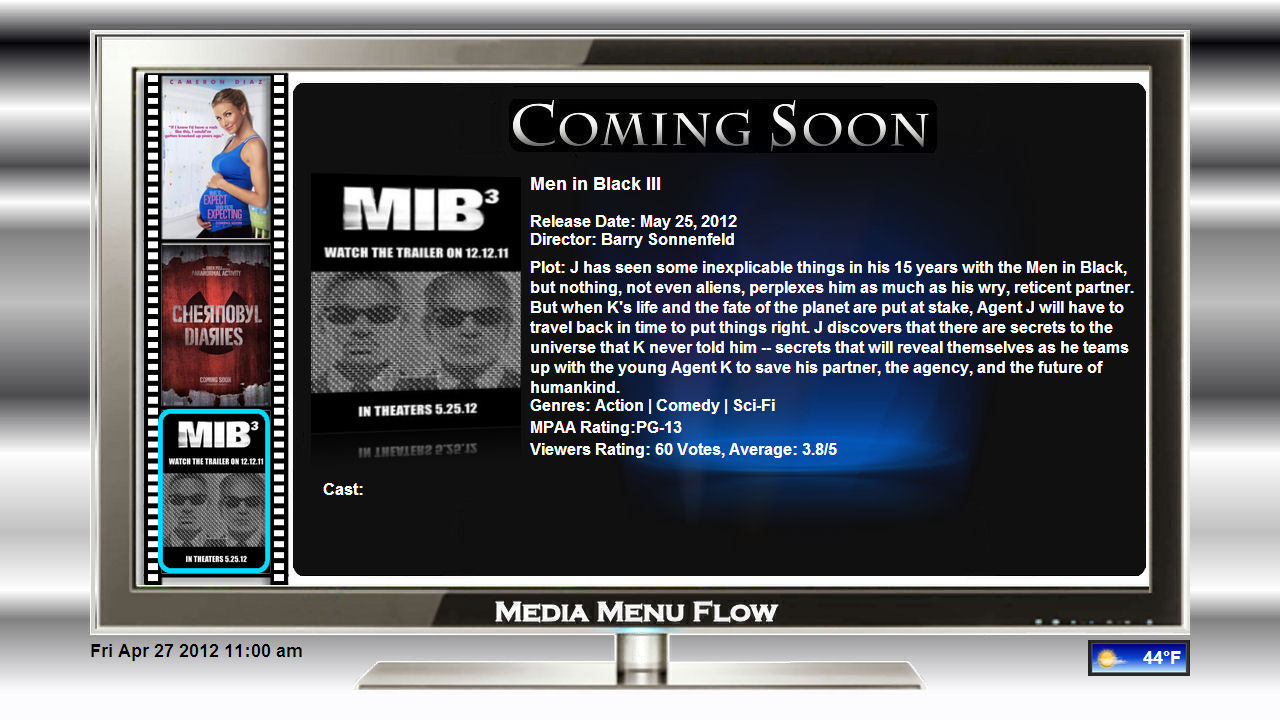
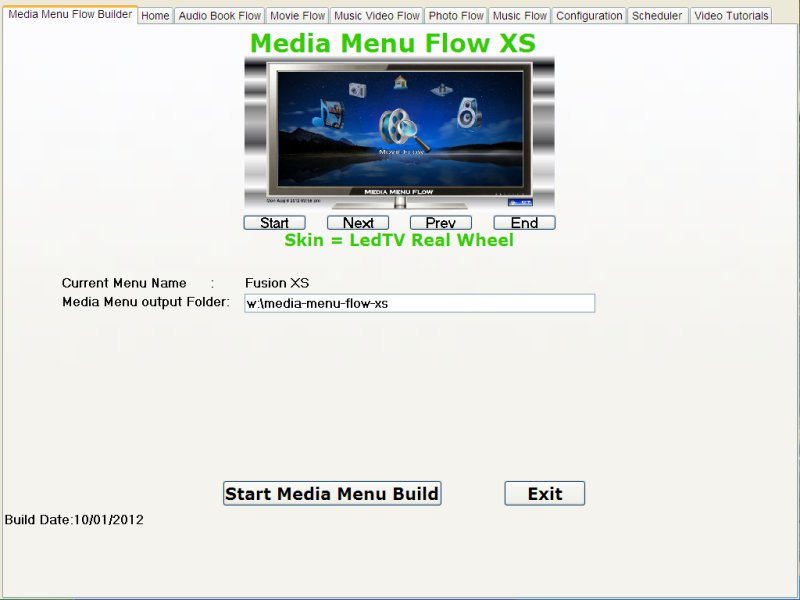
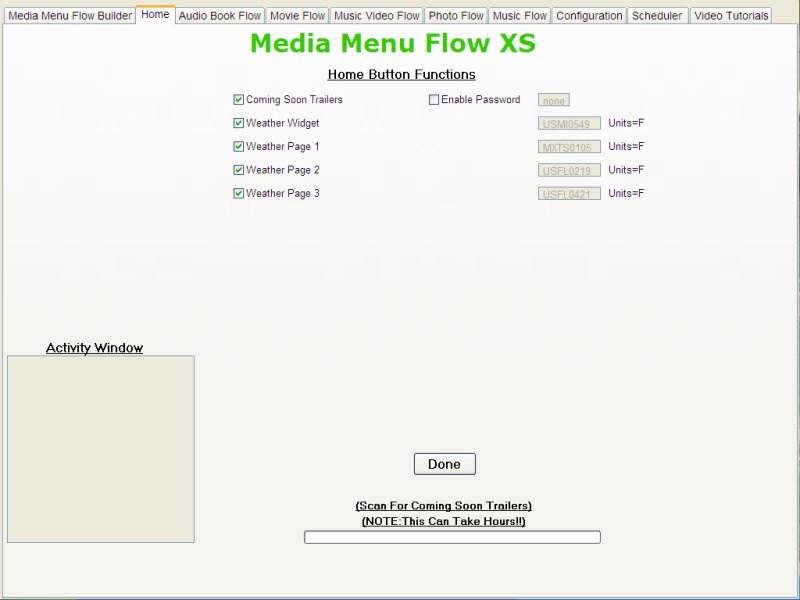
Media Menu Flow for Fusion XS
To Learn More about Movie Flow Jukebox or Music Video Flow Jukebox or Music Flow Jukebox Photo Flow Jukebox or Media Menu Flow or Video-to-HD visit Indocomp's New Video Forum:
http://www.indocomp.com/forums/index.php
Sneek
Peek!
Enjoy All
Michael T.
Michael T.
To Learn More about Movie Flow Jukebox or Music Video Flow Jukebox or Music Flow Jukebox Photo Flow Jukebox or Media Menu Flow or Video-to-HD visit Indocomp's New Video Forum:
http://www.indocomp.com/forums/index.php