|
|
|
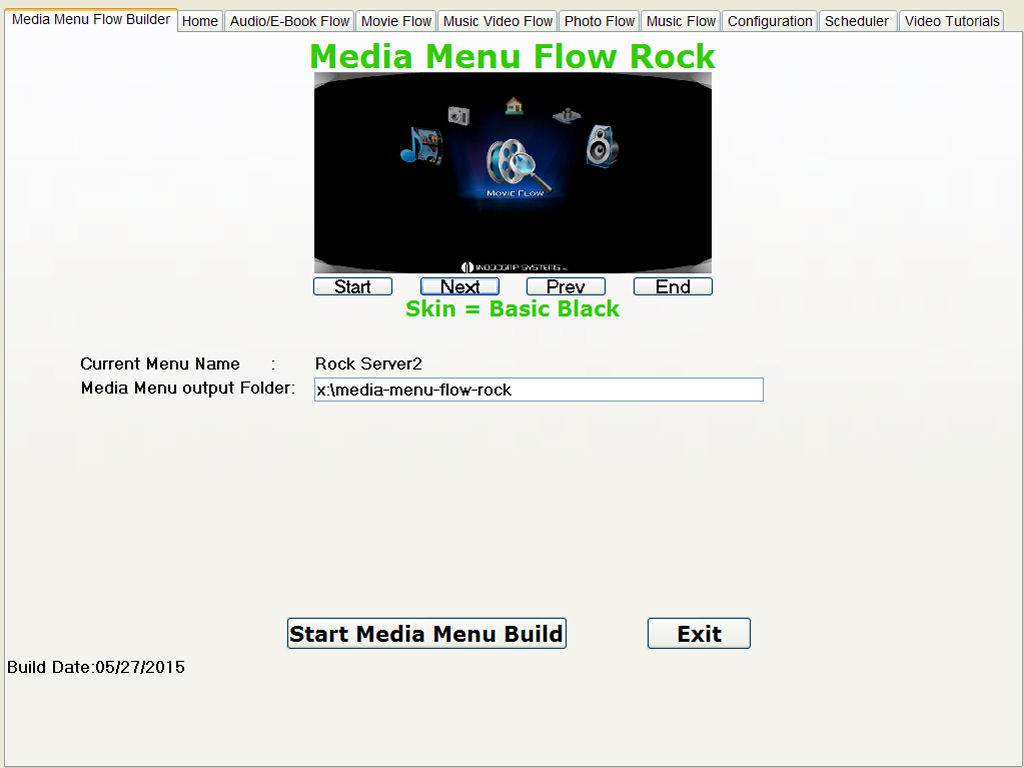
The Media Menu Flow Program is
used to Generate the menuing system that
runs on the IND-RK3288 Media Player. The
Menuing System allow the user to select and
run any one of the configured Digital
Jukeboxes. The First thing to do after
downloading and installing Media Menu Flow;
Go to The Video Tutorial Tab and Enter You
Registration Information so you can start
using the program.
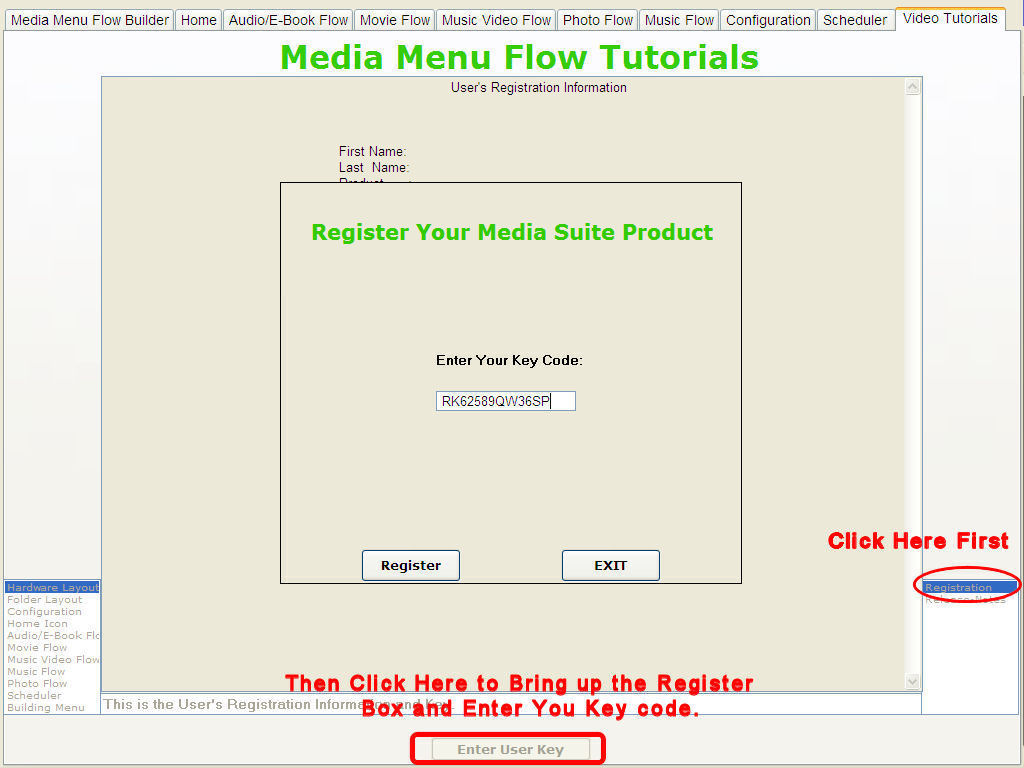
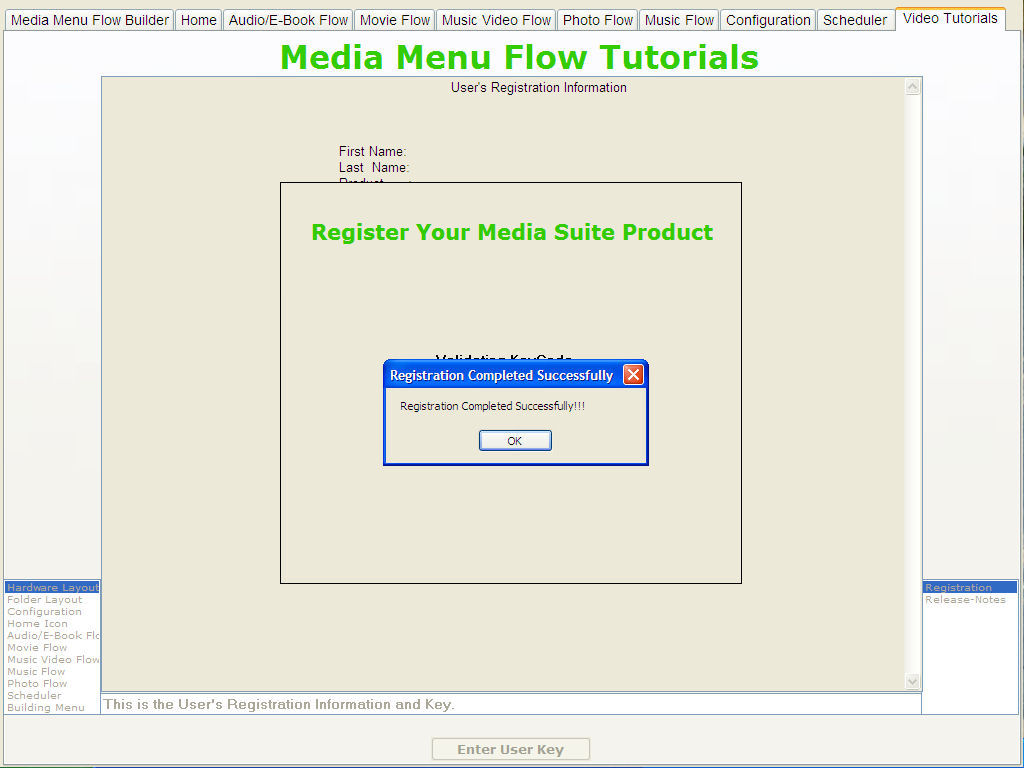
If your key code is Valid
the screen below is display:
Now,
Download the Video Tutorials and Watch them
all before Starting The Configuration
Process. Click The Link On The Side Menu to
See The Video Download Process.
|
|